Xcom 2 - Resistance Warrior Pack
¥34.47 ¥17.24 50%
不要错过折扣机会!
  • 小时
  • 分钟
  • 此产品可在 United States 激活。
    Add to Cart Button Icon 加入購物車

    • 平台 Steam Icon
    • 操作系统
      Windows Icon Linux Icon
    • 类型 Strategy
    • 开发商 Firaxis Games
    • 鼻祖 Take-Two Interactive
    • 发布日 2016-11-22 11:59 PM
    • 支持的语言 English, French, German, Italian, Japanese, Korean, Polish, Russian, Spanish
    Xcom 2 - Resistance Warrior Pack
    Xcom 2 - Resistance Warrior Pack
    Xcom 2 - Resistance Warrior Pack
    Xcom 2 - Resistance Warrior Pack
    Xcom 2 - Resistance Warrior Pack

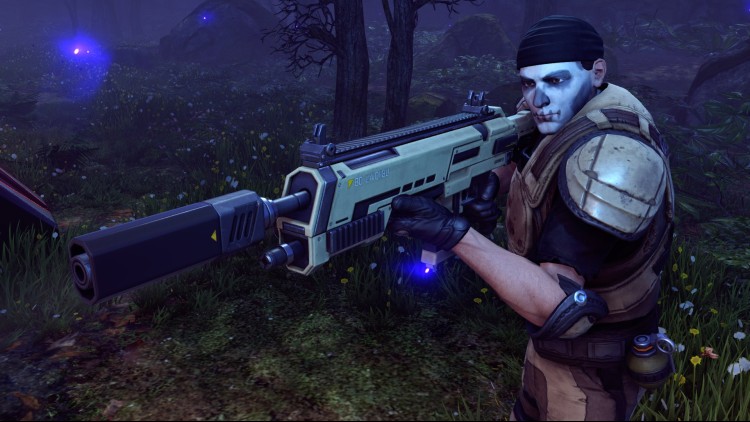
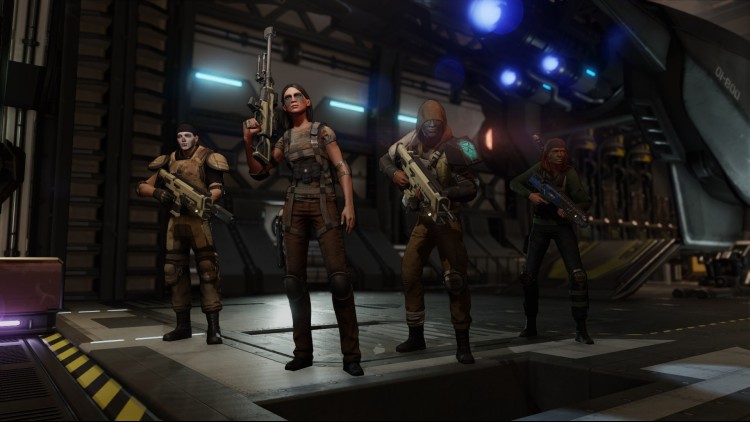
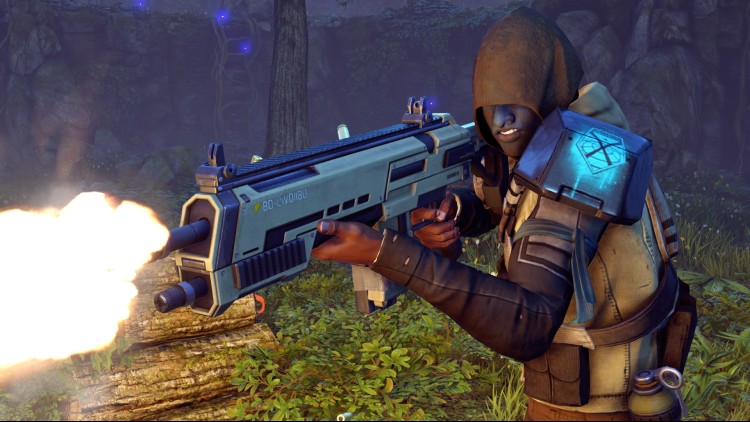
    用额外的服装、头饰和定制的面部战争涂料定制你的抵抗战士小队。 在你的军营中立即解锁一名旧战争的幸存者作为一名新兵。

    购买 Xcom 2 - Resistance Warrior Pack PC Steam Game Code - 最优惠价格 | eTail

    您可以通过官方零售商 Xcom 2 - Resistance Warrior Pack 以最优惠的价格快速购买 cn.etail.market PC 游戏

    Use of this product requires agreement to the following third party end user license agreement: http://www.take2games.com/eula/©2015 Take-Two Interactive Software and its subsidiaries. Take-Two Interactive Software, Inc., 2K, Firaxis Games, XCOM, and their respective logos are trademarks of Take-Two Interactive Software, Inc. All rights reserved. All other marks are property of their respective owners.

    Xcom 2 - Resistance Warrior Pack 最低系统要求:
    OS: Windows® 7, 64-bit
    Processor: Intel Core 2 Duo E4700 2.6 GHz or AMD Phenom 9950 Quad Core 2.6 GHz
    Memory: 4 GB RAM
    Graphics: 1GB ATI Radeon HD 5770, 1GB NVIDIA GeForce GTX 460 or better
    DirectX: Version 11
    Storage: 45 GB available space
    Sound Card: DirectX Compatible Sound Device

    Xcom 2 - Resistance Warrior Pack 推荐的系统要求 :
    OS: Windows® 7 x64-bit
    Processor: 3GHz Quad-Core
    Memory: 8 GB RAM
    Graphics: 2GB ATI Radeon HD 7970, 2GB NVIDIA GeForce GTX 770 or better
    Storage: 45 GB available space
    Sound Card: DirectX Compatible Sound Device

    在 Steam 上激活

    从此处下载并在您的计算机上安装 Steam 客户端.

    https://store.steampowered.com/?l=schinese

    2)打开Steam客户端,注册并登录。 然后,找到顶部菜单上的“游戏”选项卡。 单击它并选择“在 Steam 上激活产品……”

     

    3)输入显示在 eTail 订单页面上的代码。 市场并按照显示的步骤激活您的游戏。


    4)现在可以监控游戏,您可以在 Steam 的“库”部分看到它。 您现在可以下载并安装游戏。

    5)如果您需要更多信息和支持,可以单击此处:https://help.steampowered.com/en/wizard/HelpWithSteam

    推荐的