The Occultist Deluxe Upgrade Pack
¥47.93
此产品可在 United States 激活。
Add to Cart Button Icon 加入購物車

  • 平台 Steam Icon
  • 操作系统
    Windows Icon Linux Icon
  • 类型 Action , Adventure , Indie
  • 开发商 DALOAR
  • 鼻祖 Daedalic Entertainment GmbH
  • 发布日 2026-04-08 5:00 PM
  • 支持的语言 English, French, German, Italian, Japanese, Korean, Polish, Russian, Spanish - Spain, Turkish, Portuguese-Brazil, Traditional Chinese, Simplified Chinese, Spanish - Latin America
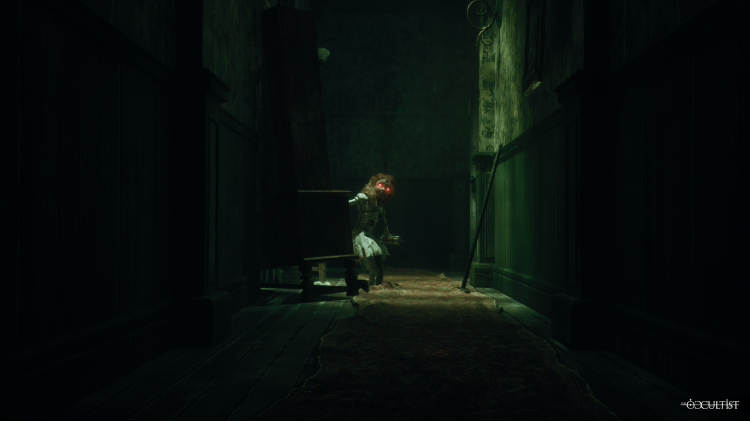
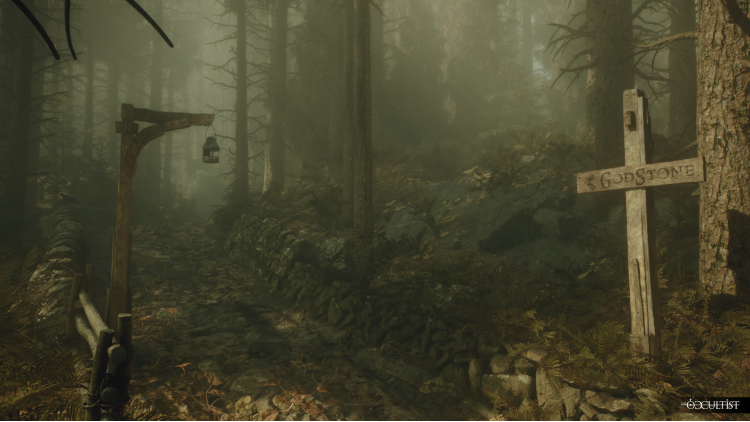
The Occultist Deluxe Upgrade Pack

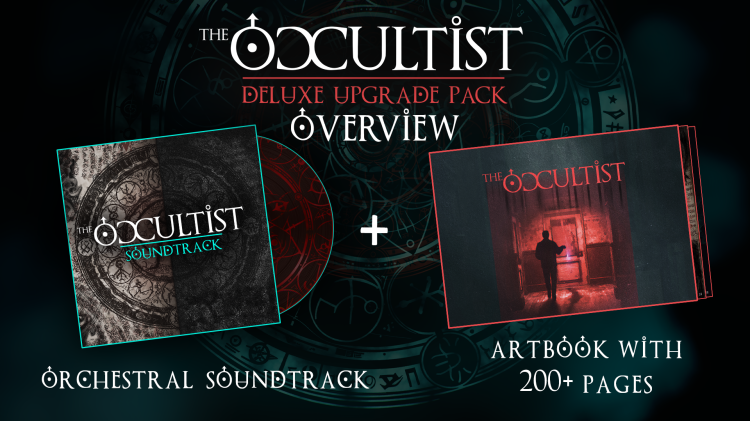
《神秘学家》豪华升级包包含:

[*]游戏完整原声带

[*]《神秘学家》艺术设定集,包含超过 200 页的幕后花絮

© 2026 Daedalic Entertainment GmbH 和 Daloar。保留所有权利。

Daedalic 和 Daedalic 标志是德国 Daedalic Entertainment GmbH 的商标。


购买 The Occultist Deluxe Upgrade Pack PC Steam Game Code - 最优惠价格 | eTail

您可以通过官方零售商 The Occultist Deluxe Upgrade Pack 以最优惠的价格快速购买 cn.etail.market PC 游戏

© 2026 Daedalic Entertainment GmbH and Daloar. All rights reserved.Daedalic and the Daedalic logo are trademarks of Daedalic Entertainment GmbH, Germany.

The Occultist Deluxe Upgrade Pack 最低系统要求:
Requires a 64-bit processor and operating system
OS: Windows 11
Processor: Intel i5-11600K or AMD Ryzen 5 5600X
Graphics: NVIDIA GeForce 2070 (8GB) or AMD Radeon RX 5700 XT (8GB)
DirectX: Version 12
Storage: 40 GB available space

The Occultist Deluxe Upgrade Pack 推荐的系统要求 :
Requires a 64-bit processor and operating system
OS: Windows 11
Processor: Intel i7-13700K or AMD Ryzen 9 7900X
Memory: 32 GB RAM
Graphics: NVIDIA GeForce RTX 4070 Super (12GB) or AMD Radeon RX 7800 XT (16GB)
DirectX: Version 12
Storage: 40 GB available space

在 Steam 上激活

从此处下载并在您的计算机上安装 Steam 客户端.

https://store.steampowered.com/?l=schinese

2)打开Steam客户端,注册并登录。 然后,找到顶部菜单上的“游戏”选项卡。 单击它并选择“在 Steam 上激活产品……”

 

3)输入显示在 eTail 订单页面上的代码。 市场并按照显示的步骤激活您的游戏。


4)现在可以监控游戏,您可以在 Steam 的“库”部分看到它。 您现在可以下载并安装游戏。

5)如果您需要更多信息和支持,可以单击此处:https://help.steampowered.com/en/wizard/HelpWithSteam

推荐的