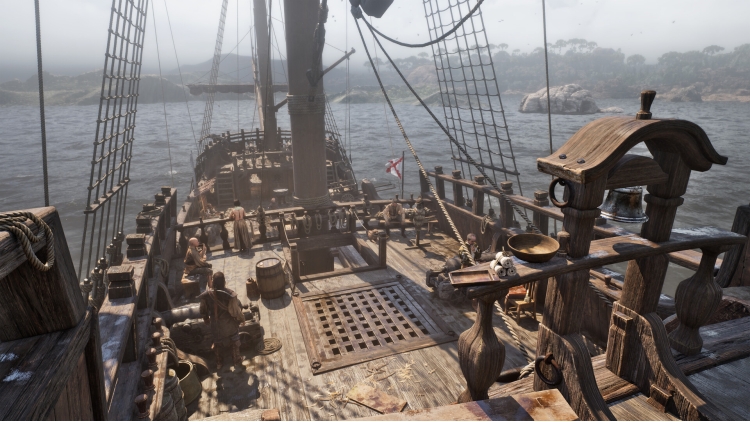
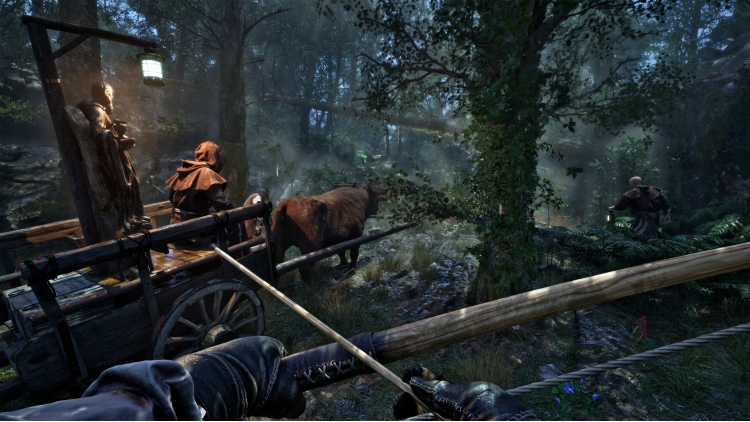
The Mound: Omen of Cthulhu - Lost Explorers' Swords Pack
€4.38
此产品可在 United States 激活。
Add to Cart Button Icon 加入購物車

  • 平台 Steam Icon
  • 操作系统
    Windows Icon Linux Icon
  • 类型 Action , Adventure
  • 开发商 ACE Team
  • 鼻祖 Nacon
  • 年龄限制

    PEGI (Europe)

    • 18
    • In-game chat
    • Online Interactions
    • Violence
  • 发布日 2026-07-15 8:00 AM
  • 支持的语言 English, French, German, Italian, Japanese, Korean, Polish, Russian, Spanish - Spain, Portuguese-Brazil, Simplified Chinese
The Mound: Omen of Cthulhu - Lost Explorers' Swords Pack

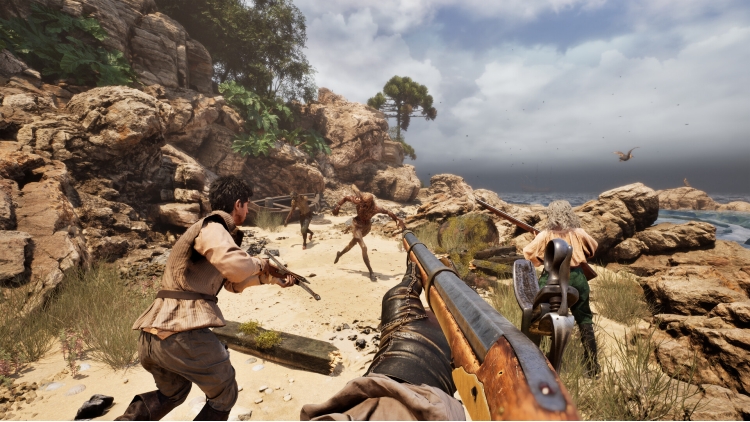
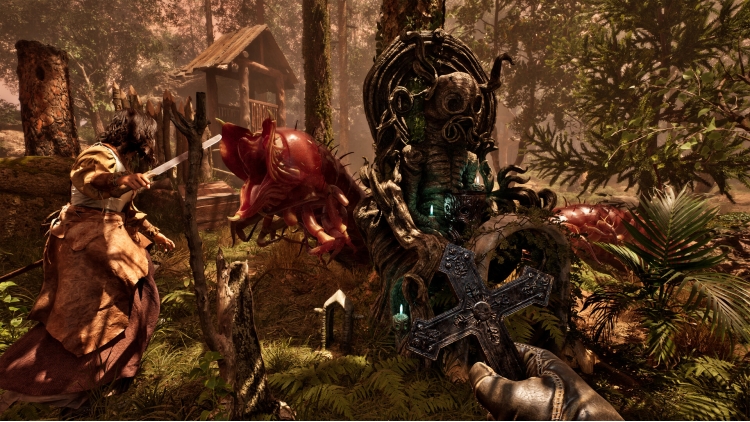
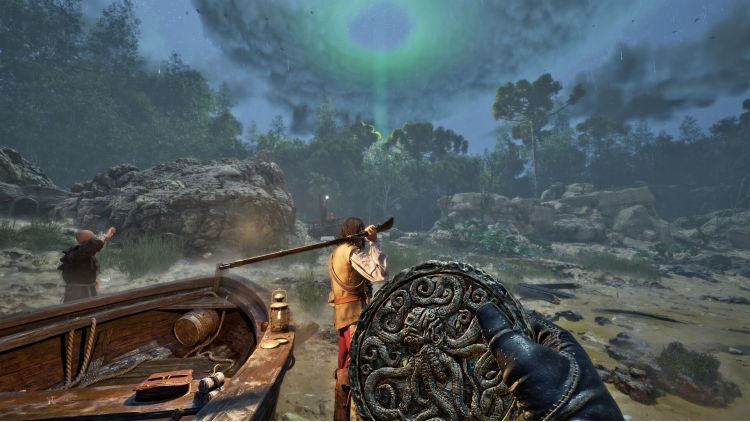
使用“Lost Explorers' Swords Pack”强化你的武器库,并在出征前解锁两种专属外观。


©2026 Nacon. ©2026 Published by Nacon and developed by ACE Team Software. All rights reserved.


购买 The Mound: Omen of Cthulhu - Lost Explorers' Swords Pack PC Steam Game Code - 最优惠价格 | eTail

您可以通过官方零售商 The Mound: Omen of Cthulhu - Lost Explorers' Swords Pack 以最优惠的价格快速购买 cn.etail.market PC 游戏

©2026 Nacon. ©2026 Published by Nacon and developed by ACE Team Software. All rights reserved.

The Mound: Omen of Cthulhu - Lost Explorers' Swords Pack 最低系统要求:
--Windows--
Requires a 64-bit processor and operating system
OS: Windows 10/11 64-bit
Processor: Intel Core i7-8700k or AMD Ryzen 5 1600x
Memory: 16 GB RAM
Graphics: Nvidia GTX 1660 SUPER 6GB or AMD Radeon RX 5600 XT 6GB or Intel Arc A770 16GB
DirectX: Version 12
Additional Notes: Please note that these informations aren't final and may be subject to change until the launch of the game.

The Mound: Omen of Cthulhu - Lost Explorers' Swords Pack 推荐的系统要求 :
--Windows--
Requires a 64-bit processor and operating system
OS: Windows 10/11 64-bit
Processor: Intel Core i7-11700k or AMD Ryzen 5 5500
Memory: 16 GB RAM
Graphics: Nvidia RTX 3070 8GB or AMD Radeon RX 6750 XT 12GB
DirectX: Version 12
Additional Notes: Please note that these informations aren't final and may be subject to change until the launch of the game.

在 Steam 上激活

从此处下载并在您的计算机上安装 Steam 客户端.

https://store.steampowered.com/?l=schinese

2)打开Steam客户端,注册并登录。 然后,找到顶部菜单上的“游戏”选项卡。 单击它并选择“在 Steam 上激活产品……”

 

3)输入显示在 eTail 订单页面上的代码。 市场并按照显示的步骤激活您的游戏。


4)现在可以监控游戏,您可以在 Steam 的“库”部分看到它。 您现在可以下载并安装游戏。

5)如果您需要更多信息和支持,可以单击此处:https://help.steampowered.com/en/wizard/HelpWithSteam

推荐的