The Escapists 2 - Glorious Regime Prison
¥18.00 ¥4.50 75%
不要错过折扣机会!
  • 小时
  • 分钟
  • 此产品可在 United States 激活。
    Add to Cart Button Icon 加入購物車

    • 平台 Steam Icon
    • 操作系统
      Windows Icon
    • 类型 Indie , Simulation , Strategy
    • 开发商 Mouldy Toof Studios, Team17
    • 鼻祖 Team 17
    • 年龄限制
      pegi7 esrb_t
    • 发布日 2017-08-22 12:00 AM
    • 支持的语言 English, French, German, Russian, Spanish
    The Escapists 2 - Glorious Regime Prison
    The Escapists 2 - Glorious Regime Prison
    The Escapists 2 - Glorious Regime Prison

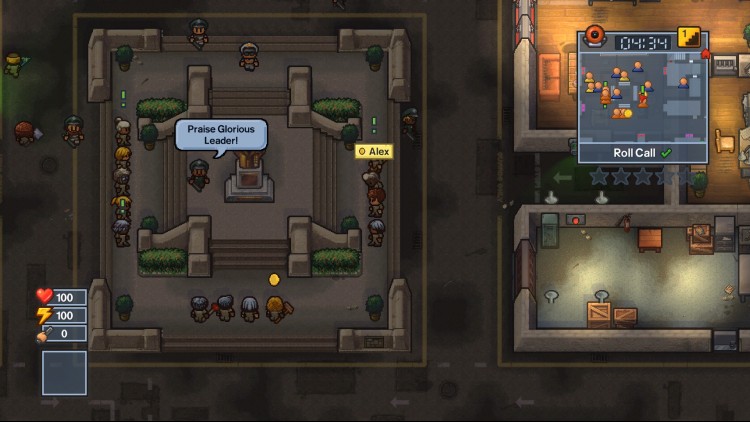
    在光荣政权面前颤抖!

    尽管有高耸的墙壁、电栅栏和你不能离开的事实,但你应该感谢在这里服务时间。 光荣的领袖看到并听到了一切。 每天你都必须在他全能的纪念碑的阴影下参加点名!

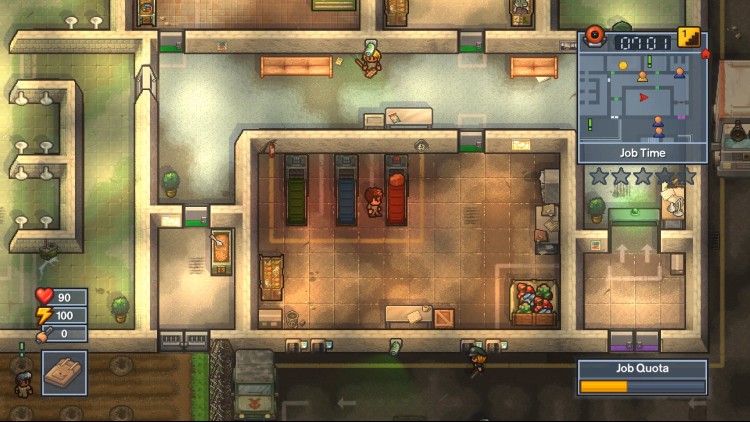
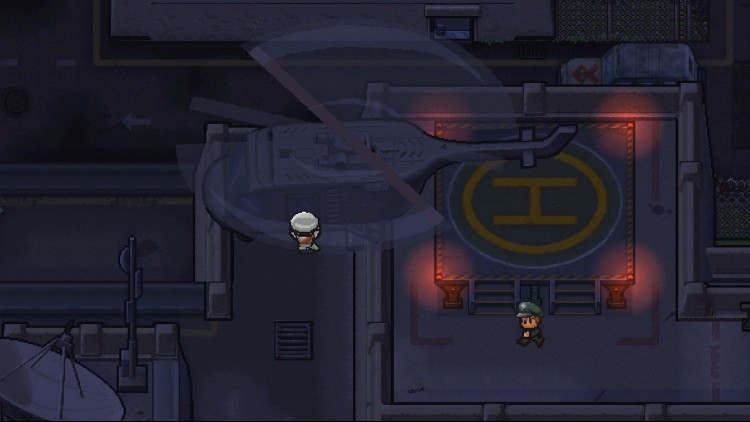
    体验逃离丛林深处隐藏大院的快感。 在争取自由的过程中,你需要决心和动力来避开毫无疑问忠诚的守卫、持续的监视和杰出的领袖本人。

    记得赞美你的光荣领袖!

    购买 The Escapists 2 - Glorious Regime Prison PC Steam Game Code - 最优惠价格 | eTail

    您可以通过官方零售商 The Escapists 2 - Glorious Regime Prison 以最优惠的价格快速购买 cn.etail.market PC 游戏

    The Escapists 2 developed by Mouldy Toof Studios and Team17 Digital Ltd © 2017. Published by Team17 Digital Ltd. All trademarks, copyrights and logos are property of their respective owners.

    The Escapists 2 - Glorious Regime Prison 最低系统要求:
    PC:
    OS: Windows 7/8.1/10 (32-bit versions)
    Processor: Intel Dual Core 6600 at 2.4GHz
    Memory: 2 GB RAM
    Graphics: Intel 4400, GeForce GTX 280, AMD Radeon HD 7750
    DirectX: Version 11
    Storage: 2 GB available space
    Sound Card: Windows Compatible Sound card

    Mac:
    TBC

    Linux:
    TBC


    The Escapists 2 - Glorious Regime Prison 推荐的系统要求 :
    OS: Windows 7/8.1/10 (64-bit versions)
    Processor: i5-2500k at 3.3GHz, AMD FX 6300 3.5GHz
    Memory: 4 GB RAM
    Graphics: GeForce GTX 750, AMD R7 370
    DirectX: Version 11
    Storage: 2 GB available space
    Sound Card: Windows Compatible Sound card

    在 Steam 上激活

    从此处下载并在您的计算机上安装 Steam 客户端.

    https://store.steampowered.com/?l=schinese

    2)打开Steam客户端,注册并登录。 然后,找到顶部菜单上的“游戏”选项卡。 单击它并选择“在 Steam 上激活产品……”

     

    3)输入显示在 eTail 订单页面上的代码。 市场并按照显示的步骤激活您的游戏。


    4)现在可以监控游戏,您可以在 Steam 的“库”部分看到它。 您现在可以下载并安装游戏。

    5)如果您需要更多信息和支持,可以单击此处:https://help.steampowered.com/en/wizard/HelpWithSteam

    推荐的