Space Grunts
Space Grunts
¥45.00
此产品无法在 United States 激活!
Add to Cart Button Icon 加入購物車

Space Grunts
Space Grunts
Space Grunts
Space Grunts
Space Grunts
Space Grunts
Space Grunts
Space Grunts
Space Grunts
Space Grunts
Space Grunts
Space Grunts
Space Grunts
Space Grunts
Space Grunts
Space Grunts
Space Grunts
Space Grunts
Space Grunts
Space Grunts

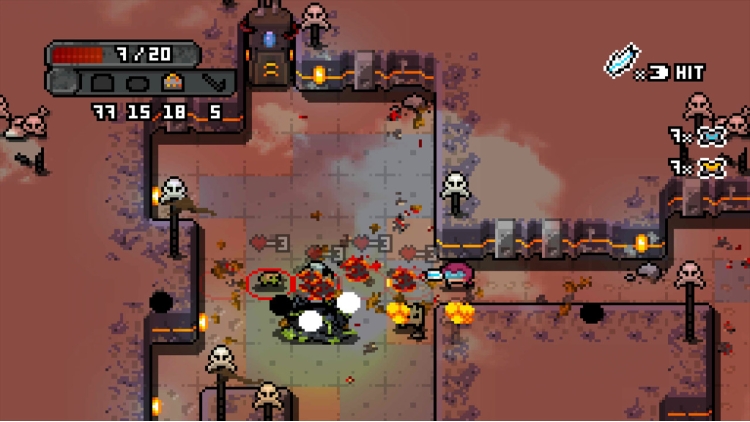
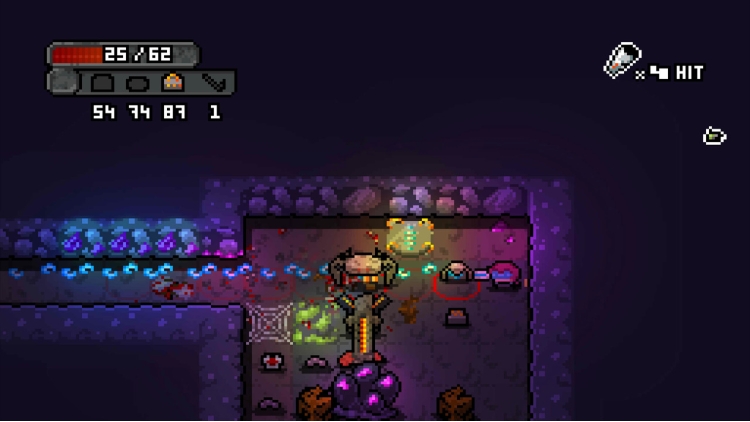
公元 2476 年,地球的太空联盟一直在银河系各地建造月球基地。其中一个月球基地发出了求救信号。太空步兵是一群星际“问题”解决者,被派去调查……

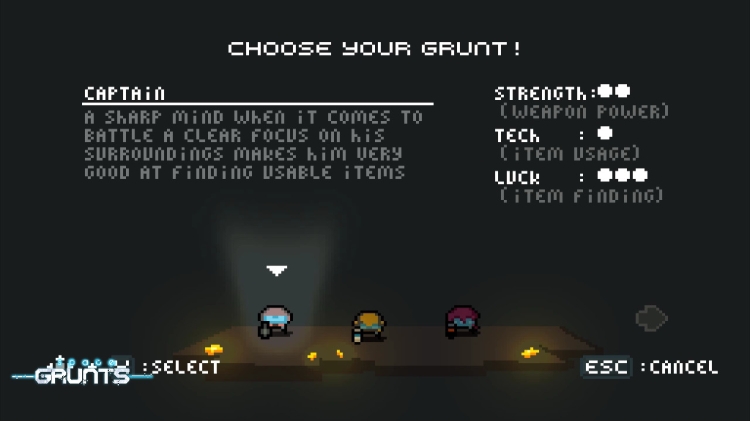
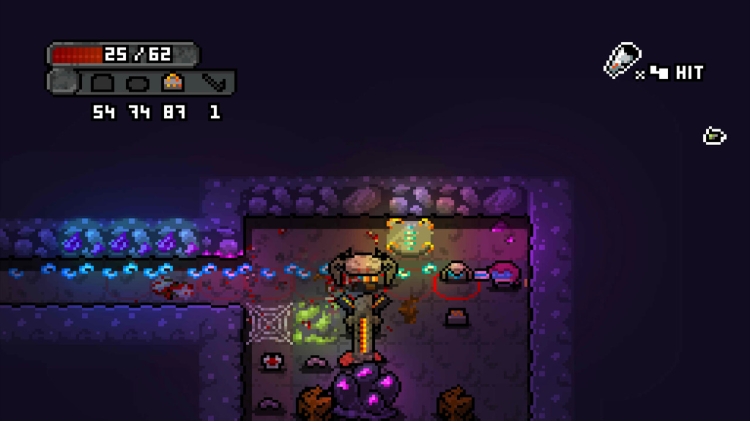
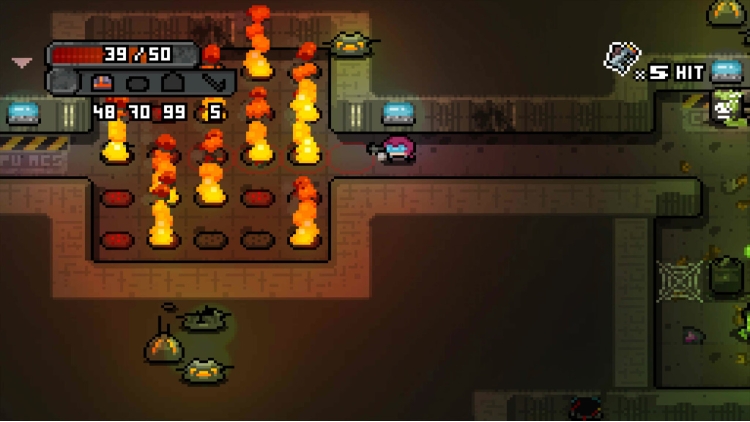
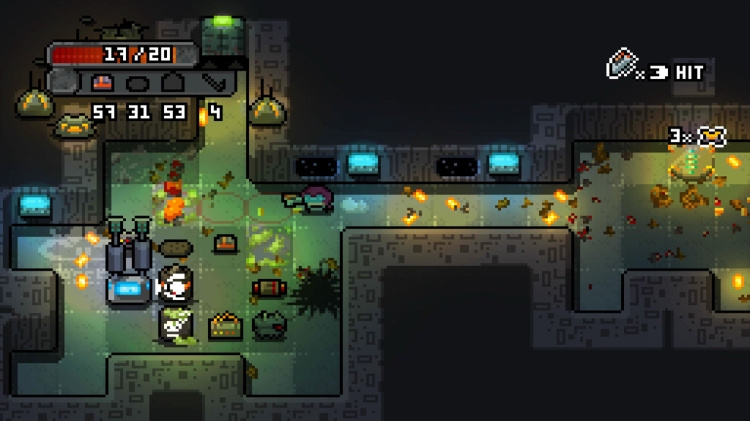
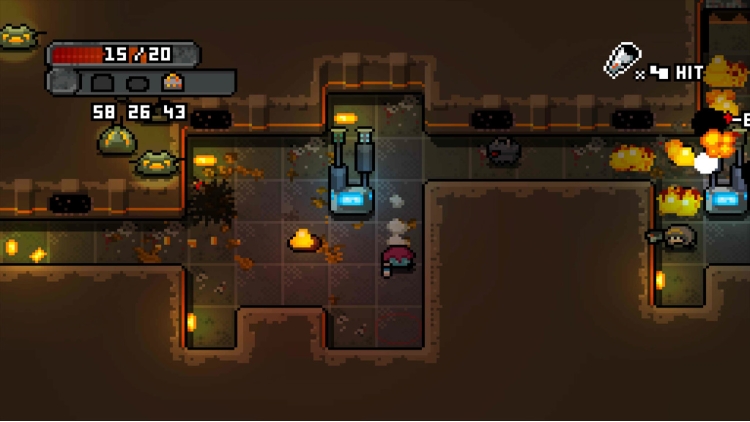
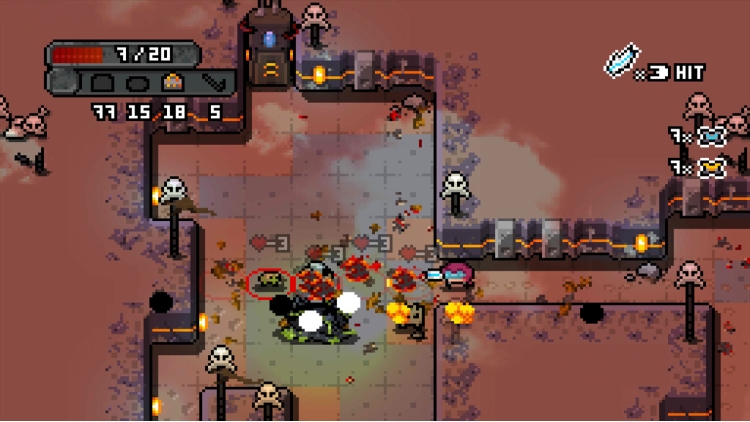
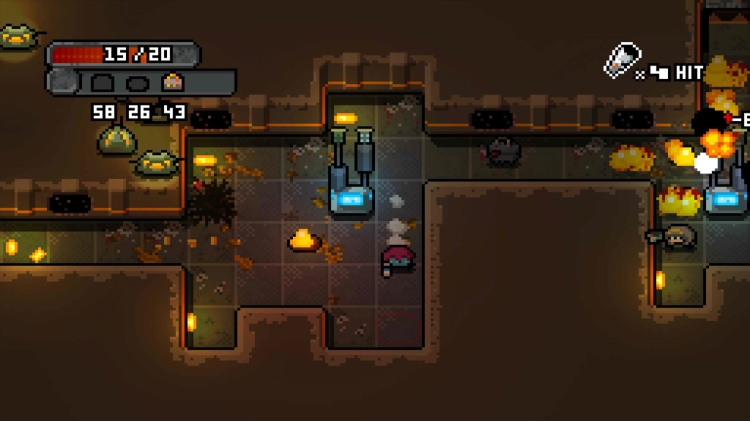
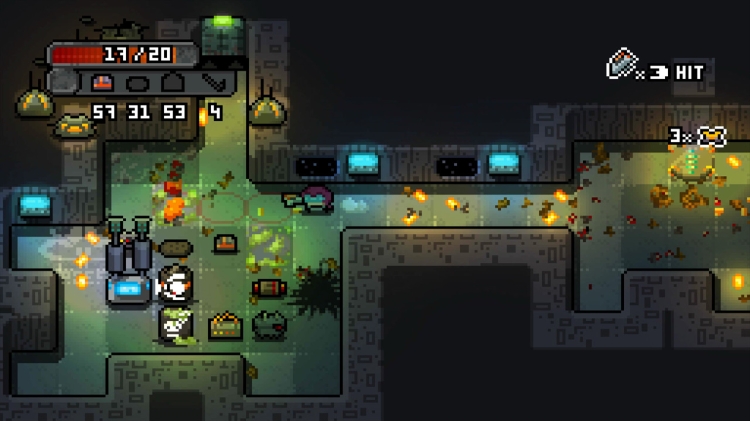
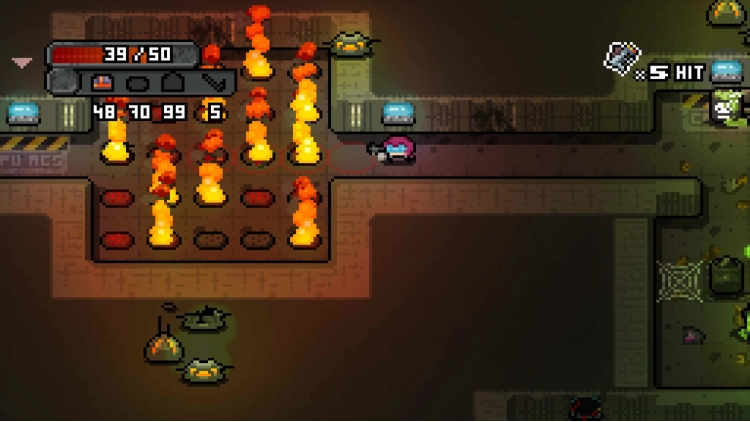
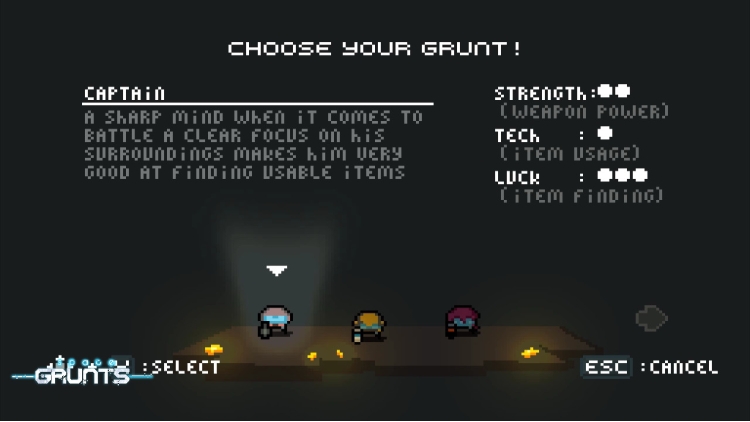
选择你的太空步兵类型:领导者、执法者或技术狂,这将对物品、武器和环境产生影响。然后开始你的任务:找到进入月球基地的路,弄清楚发生了什么。你必须一路与外星人、机器人、安全无人机和基地系统战斗。找到月球基地的较低层,找到问题的核心。

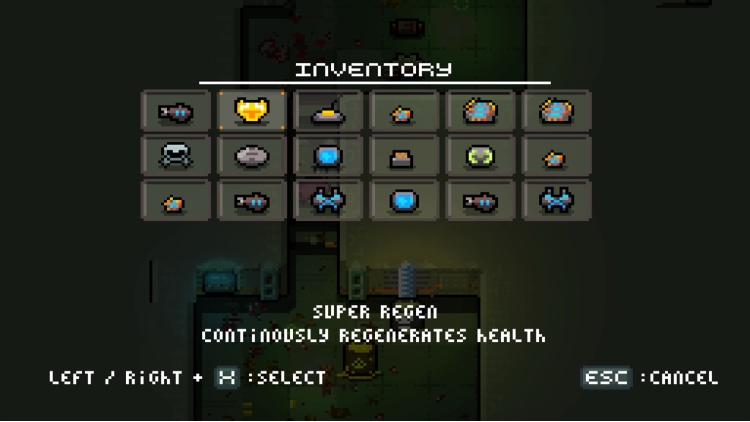
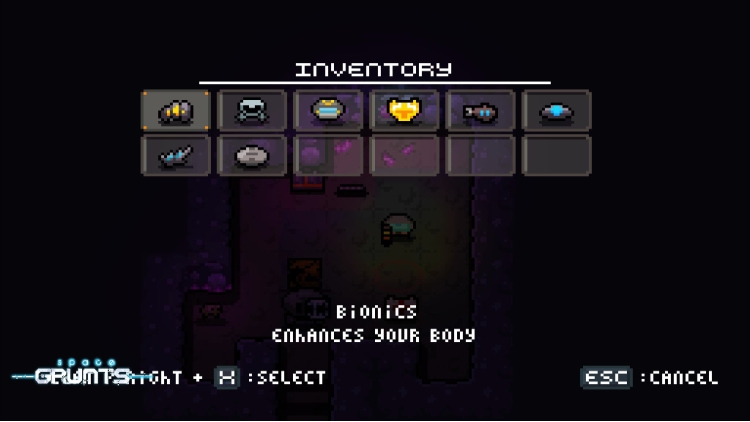
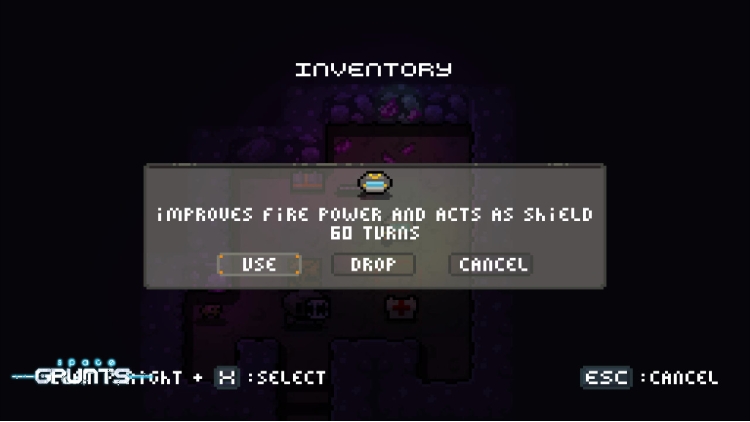
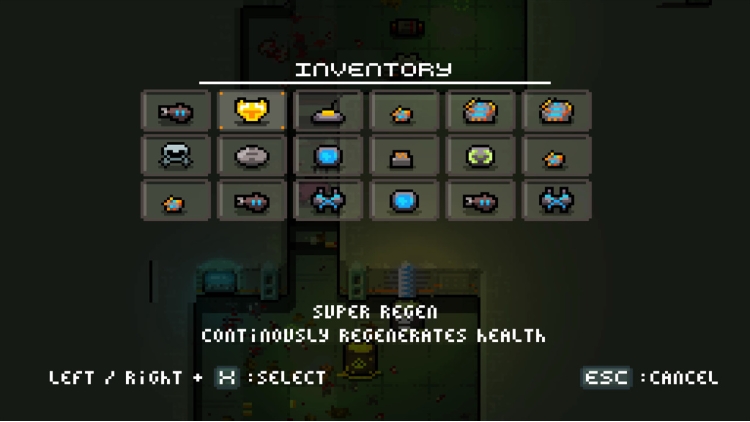
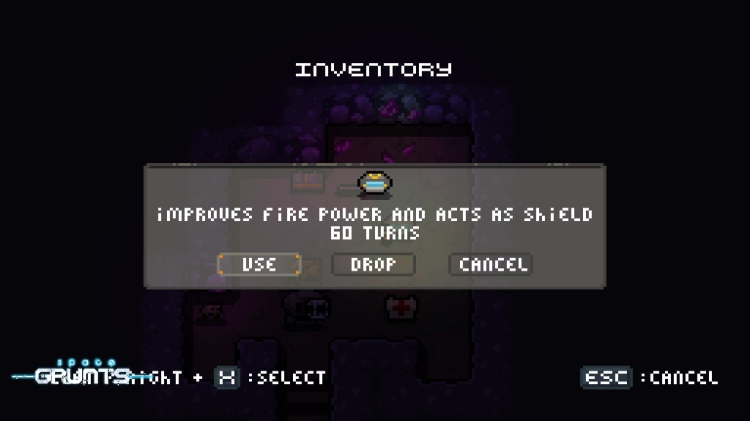
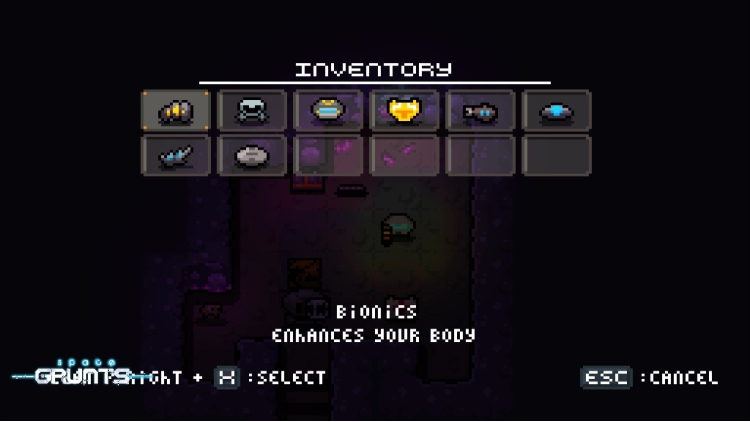
消耗品 - 整个月球基地都有大量消耗品,从武器增强器到破坏性玩具、装甲、炸药、系统黑客等等。明智地使用这些物品,深入月球基地。

武器 - 从三种标准 Grunt 武器开始,您将能够增强它们以获得更大的火力和射程。在途中,您还会发现替代武器和近战武器。

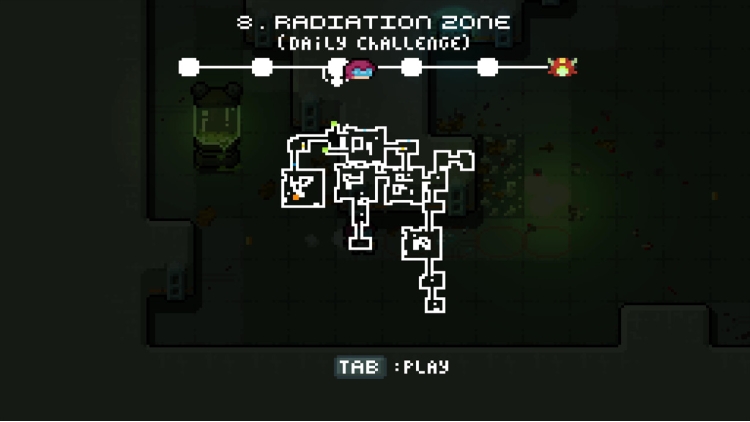
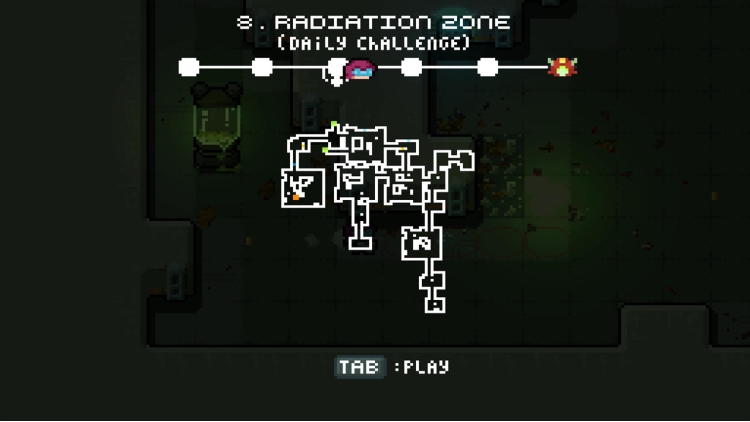
秘密 - 有多种方式来完成游戏,异常会导致奇怪的地方、地下路线和神秘物品将您传送到月球基地的其他区域。除此之外,基地各处都有秘密房间和区域,所以永远不会无聊!

你能找到问题的核心吗?

版权所有 (c) 2015-2016 OrangePixel - www.orangepixel.net

购买 Space Grunts PC Steam Game Code - 最优惠价格 | eTail

您可以通过官方零售商 Space Grunts 以最优惠的价格快速购买 cn.etail.market PC 游戏

copyright (c) 2015-2016 OrangePixel - www.orangepixel.net

Space Grunts 最低系统要求:
Windows
OS *: Windows 7 or higher
Processor: 2.0 ghz Dual Core
Memory: 2 GB RAM
Graphics: Intel HD3000 or higher with OpenGL 2.1 support
Storage: 200 MB available space
Sound Card: OpenAL supported sound card

macOS
OS: OSX Lion or newer
Processor: 2.0 ghz Dual Core
Memory: 2 GB RAM
Graphics: Intel HD3000 or higher with OpenGL 2.1 support
Storage: 200 MB available space
Sound Card: OpenAL supported sound card

Linux
OS: Ubuntu 12
Processor: 2.0 ghz Dual Core
Memory: 2 GB RAM
Graphics: Intel HD3000 or higher with OpenGL 2.1 support
Storage: 200 MB available space
Sound Card: OpenAL supported sound card

Space Grunts 推荐的系统要求 :
Windows
OS *: Windows 7 or higher
Processor: 2.0 ghz Dual Core
Memory: 2 GB RAM
Graphics: Intel HD3000 or higher with OpenGL 2.1 support
Storage: 200 MB available space
Sound Card: OpenAL supported sound card

macOS
OS: OSX Lion or newer
Processor: 2.0 ghz Dual Core
Memory: 2 GB RAM
Graphics: Intel HD3000 or higher with OpenGL 2.1 support
Storage: 200 MB available space
Sound Card: OpenAL supported sound card

Linux
OS: Ubuntu 12
Processor: 2.0 ghz Dual Core
Memory: 2 GB RAM
Graphics: Intel HD3000 or higher with OpenGL 2.1 support
Storage: 200 MB available space
Sound Card: OpenAL supported sound card

在 Steam 上激活

从此处下载并在您的计算机上安装 Steam 客户端.

https://store.steampowered.com/?l=schinese

2)打开Steam客户端,注册并登录。 然后,找到顶部菜单上的“游戏”选项卡。 单击它并选择“在 Steam 上激活产品……”

 

3)输入显示在 eTail 订单页面上的代码。 市场并按照显示的步骤激活您的游戏。


4)现在可以监控游戏,您可以在 Steam 的“库”部分看到它。 您现在可以下载并安装游戏。

5)如果您需要更多信息和支持,可以单击此处:https://help.steampowered.com/en/wizard/HelpWithSteam

推荐的