Rainbow Legends
Rainbow Legends
¥44.00 ¥37.40 15%
不要错过折扣机会!
  • 小时
  • 分钟
  • 此产品可在 United States 激活。
    Add to Cart Button Icon 加入購物車

    • 平台 Steam Icon
    • 操作系统
      Windows Icon Linux Icon
    • 类型 Indie , RPG , Strategy
    • 开发商 Unpixel Cloud Cedar Studio
    • 鼻祖 Light Up Games
    • 发布日 2026-05-06 1:00 PM
    • 支持的语言 English, Japanese, Korean, Russian, Traditional Chinese, Simplified Chinese
    Rainbow Legends
    Rainbow Legends
    Rainbow Legends
    Rainbow Legends
    Rainbow Legends
    Rainbow Legends
    Rainbow Legends
    Rainbow Legends
    Rainbow Legends
    Rainbow Legends
    Rainbow Legends
    Rainbow Legends
    Rainbow Legends
    Rainbow Legends
    Rainbow Legends
    Rainbow Legends

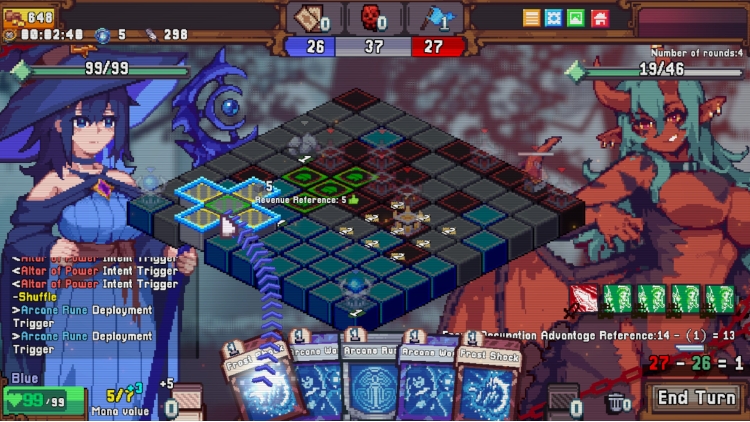
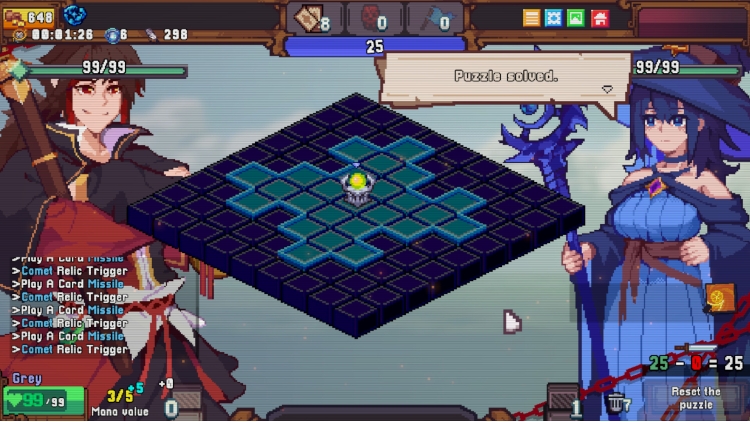
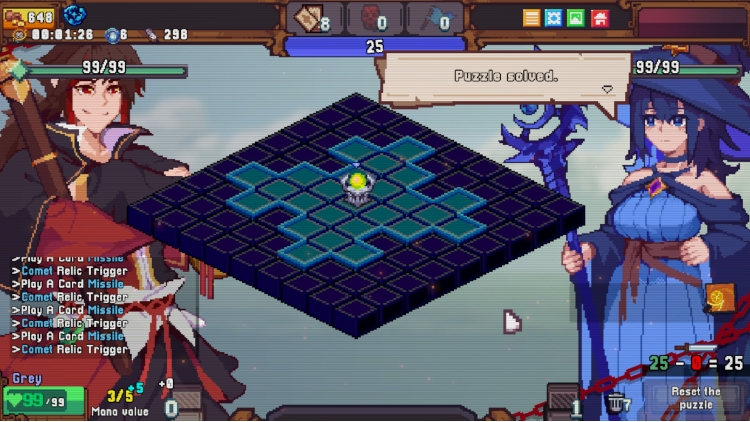
    回合制卡牌×地块涂鸦

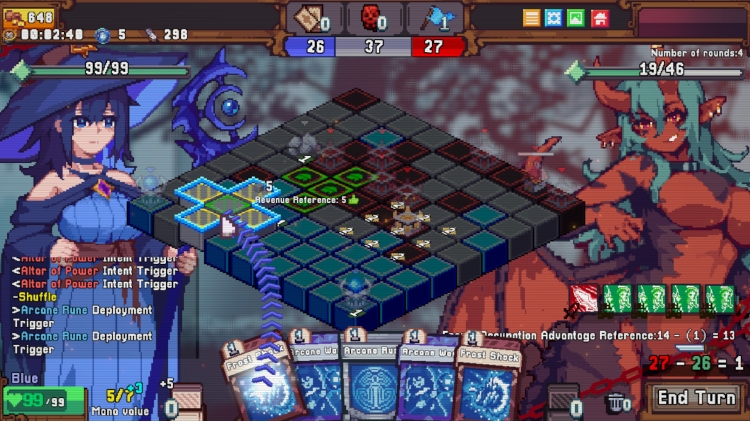
    • 告诉你的对手,这里的土地颜色谁说了算!
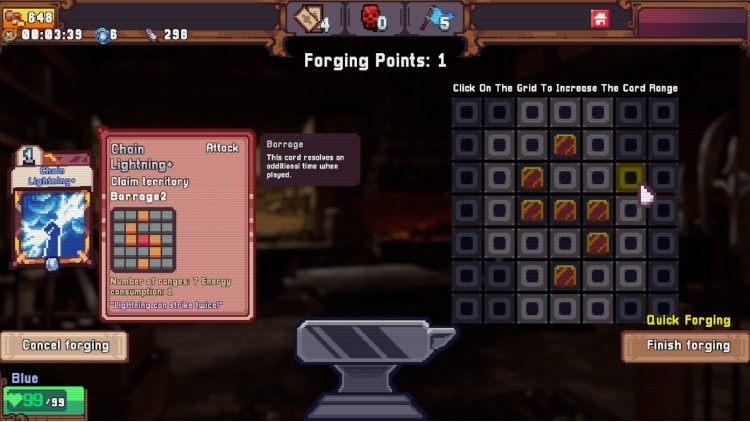
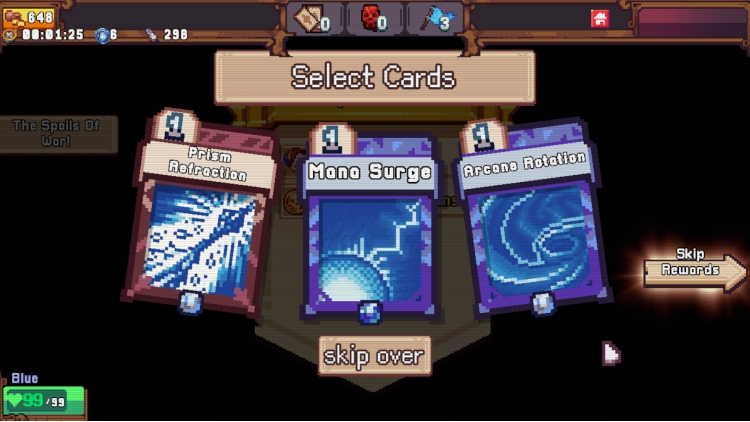
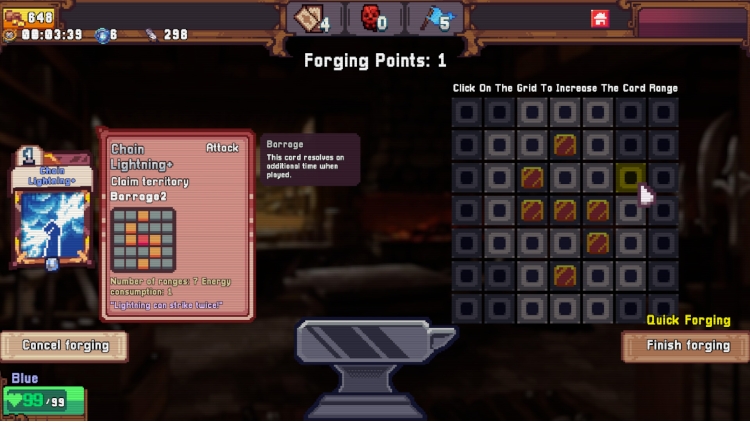
    • 卡牌伤害不再是数值,而是对应范围数目,每轮分差决定伤害。
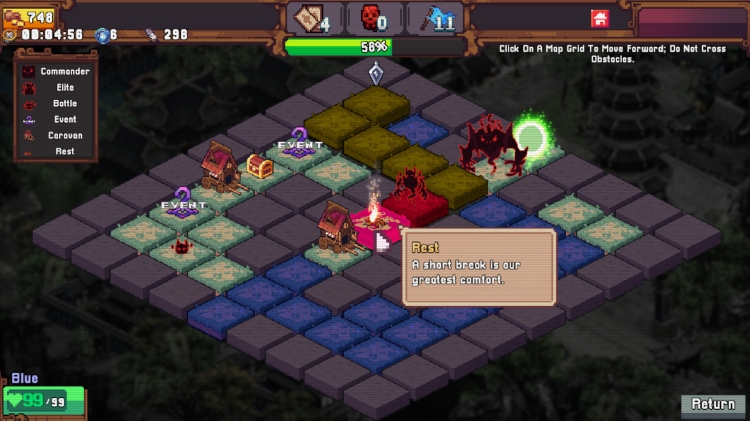
    • 策略不仅在手牌,更在领地——部署建筑、设置陷阱,掌控战局!


    在领地中部署一切


    • 在您的领地上进行部署!
    • 提到棋盘地块怎么能少了棋子?在任意领地放置双生法阵让攻击牌结算两次,或者在敌人腹地安放自爆爆破法阵。
    • 当然,敌人可不会坐视不管,进攻的同时别忘了保护您的核心部署!


    构筑你的专属流派


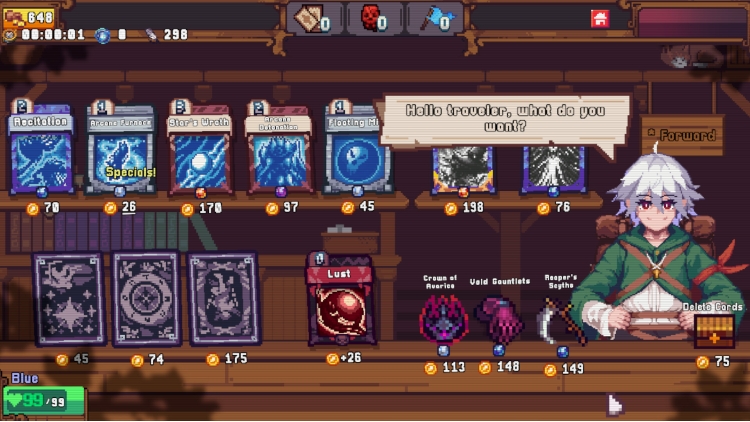
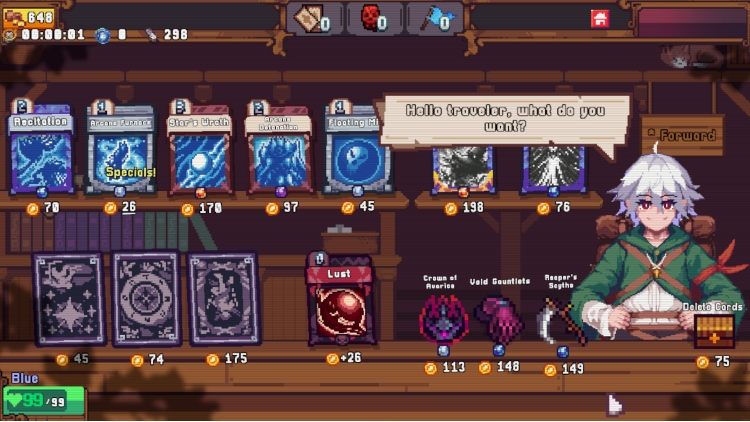
    • 100+强大的圣遗物!
    • 八大职业派系
    • 每个职业都有五个专属剧情和附加卡牌/遗物等待解锁
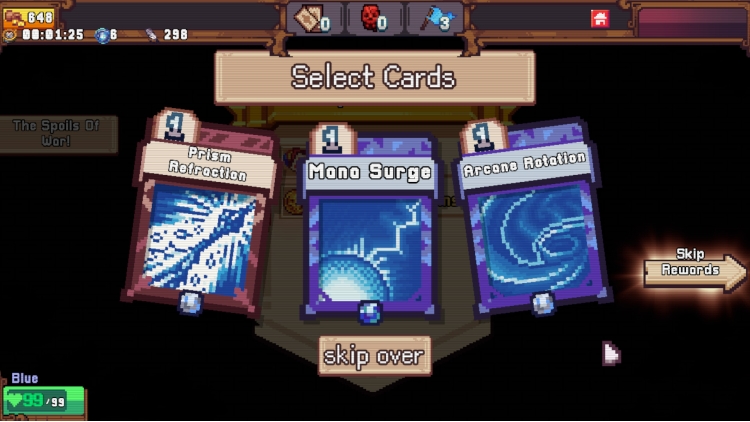
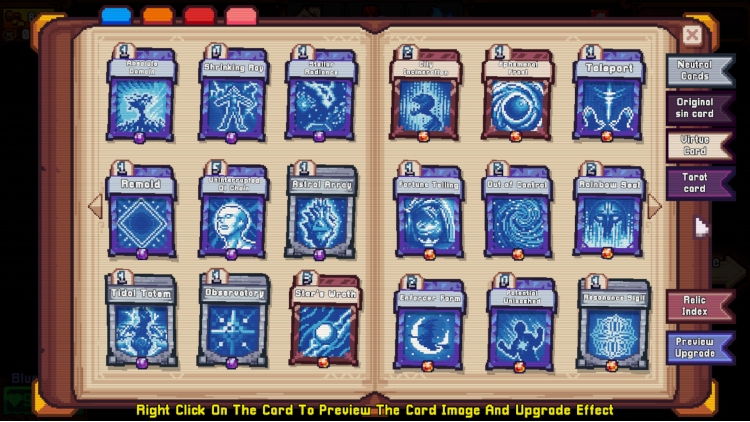
    • 每张卡牌都可升级!


    无尽的随机...


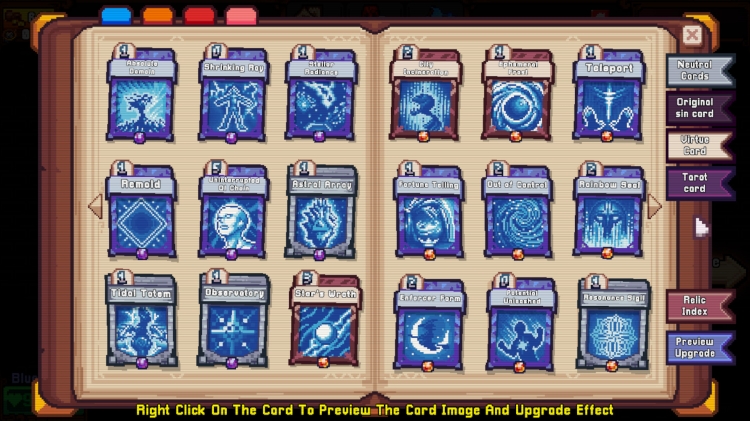
    • 数百张卡牌与遗物任你挑选,打造出千变万化的策略组合
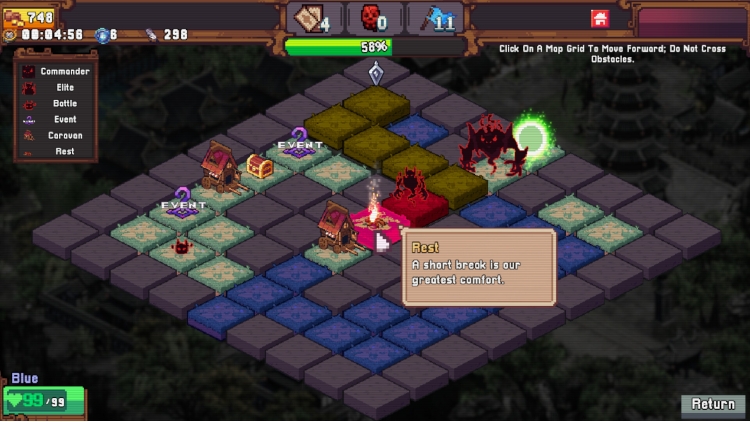
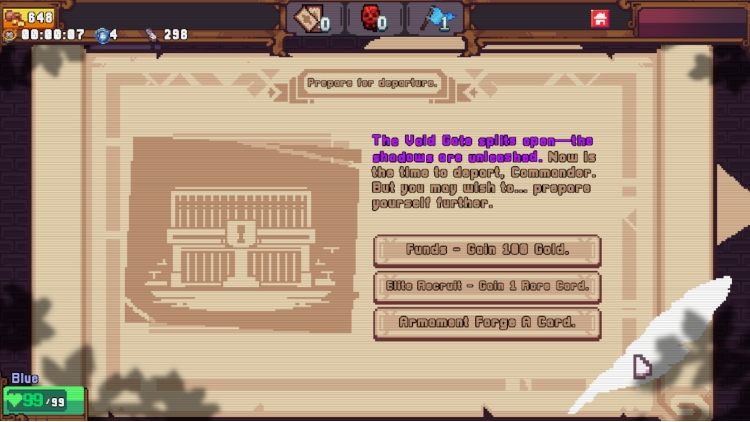
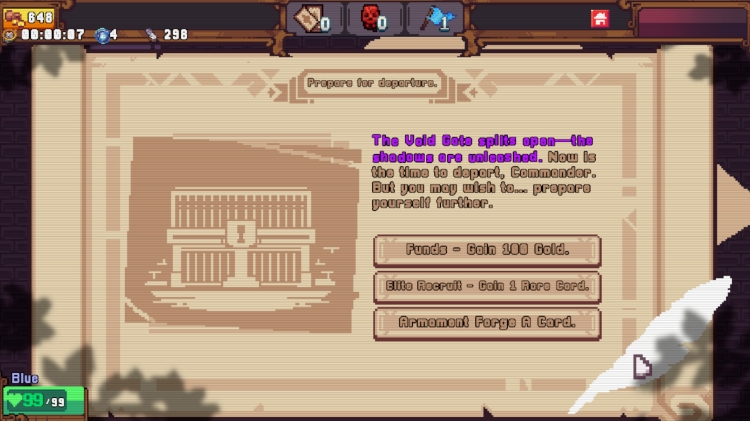
    • 丰富的战场事件和谜题等你探索,每一次冒险都充满未知
    • 多种路线与随机遭遇自由组合,体验不可预测的挑战
    • 巧妙的卡牌与遗物协同,让你在随机混乱中掌控全局


    © Unpixel Cloud Cedar Studio / Light Up Games (2025-2026)


    购买 Rainbow Legends PC Steam Game Code - 最优惠价格 | eTail

    您可以通过官方零售商 Rainbow Legends 以最优惠的价格快速购买 cn.etail.market PC 游戏

    © Unpixel Cloud Cedar Studio / Light Up Games (2025-2026)

    Rainbow Legends 最低系统要求:
    OS *: Window/7/8/10
    Processor: Any
    Memory: 256 MB RAM
    Storage: 200 MB available space
    Sound Card: Any PC With Sound
    VR Support: Sorry :(
    * Starting January 1st, 2024, the Steam Client will only support Windows 10 and later versions.

    Rainbow Legends 推荐的系统要求 :
    OS *: Window/7/8/10
    Processor: Any
    Memory: 1024 MB RAM
    Storage: 500 MB available space
    Sound Card: Any PC With Sound
    VR Support: Sorry :(
    * Starting January 1st, 2024, the Steam Client will only support Windows 10 and later versions.

    在 Steam 上激活

    从此处下载并在您的计算机上安装 Steam 客户端.

    https://store.steampowered.com/?l=schinese

    2)打开Steam客户端,注册并登录。 然后,找到顶部菜单上的“游戏”选项卡。 单击它并选择“在 Steam 上激活产品……”

     

    3)输入显示在 eTail 订单页面上的代码。 市场并按照显示的步骤激活您的游戏。


    4)现在可以监控游戏,您可以在 Steam 的“库”部分看到它。 您现在可以下载并安装游戏。

    5)如果您需要更多信息和支持,可以单击此处:https://help.steampowered.com/en/wizard/HelpWithSteam

    推荐的