

Ever Forward
15%


 缺货
缺货
 加入購物車
加入購物車

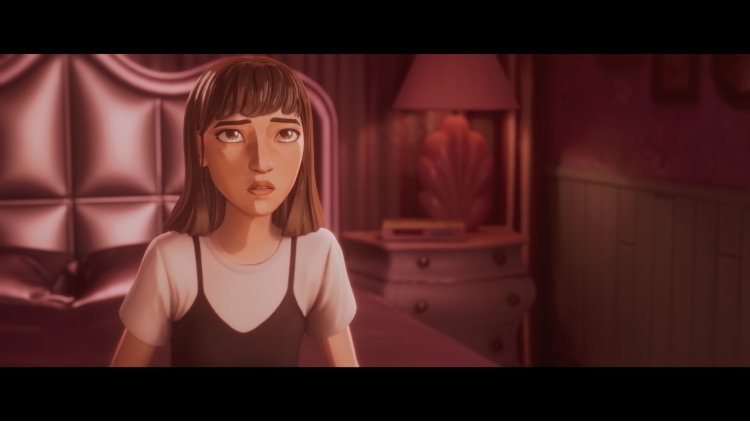
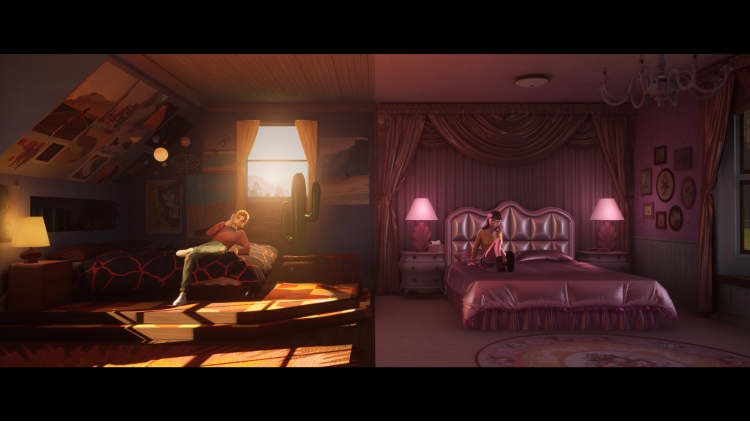
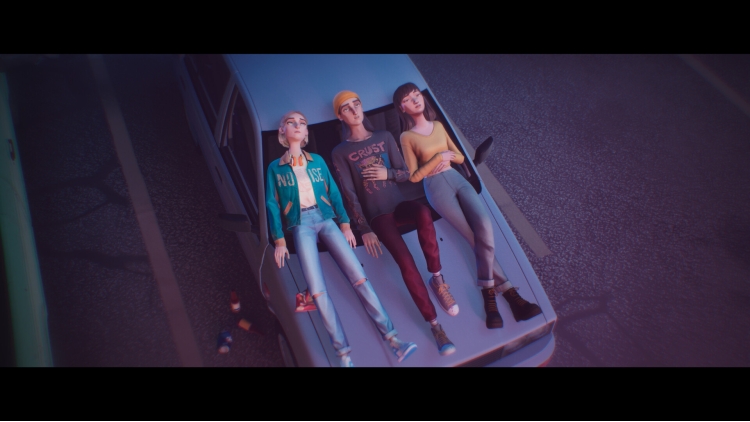
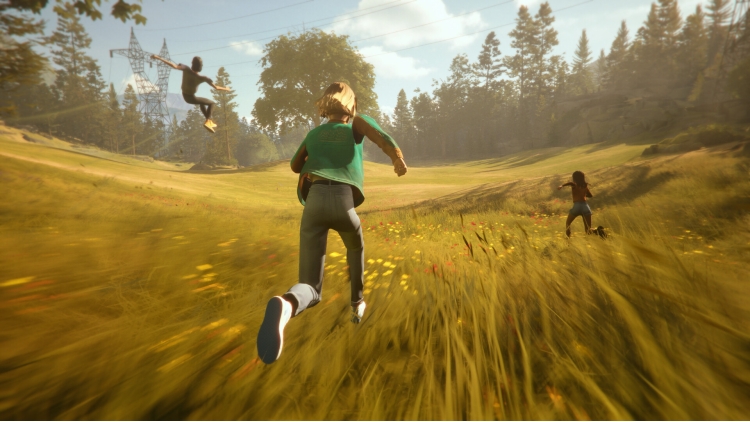
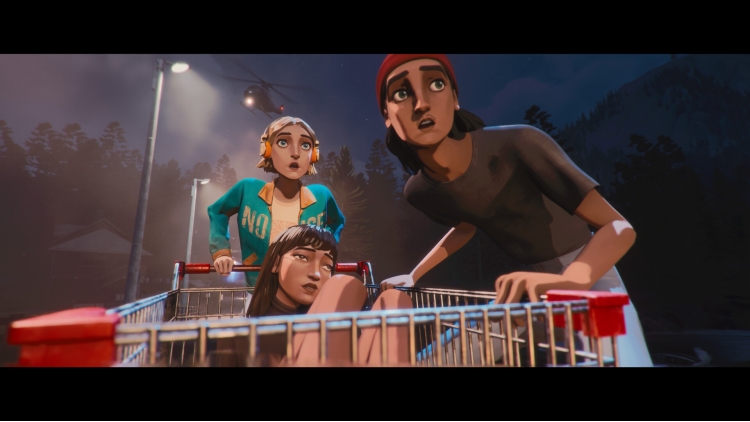
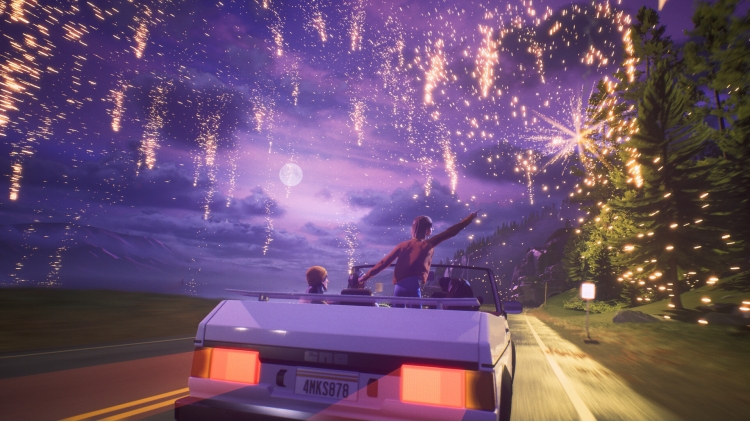
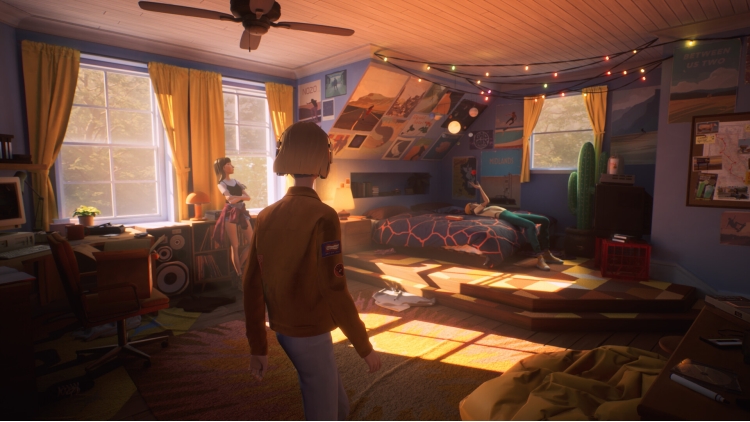
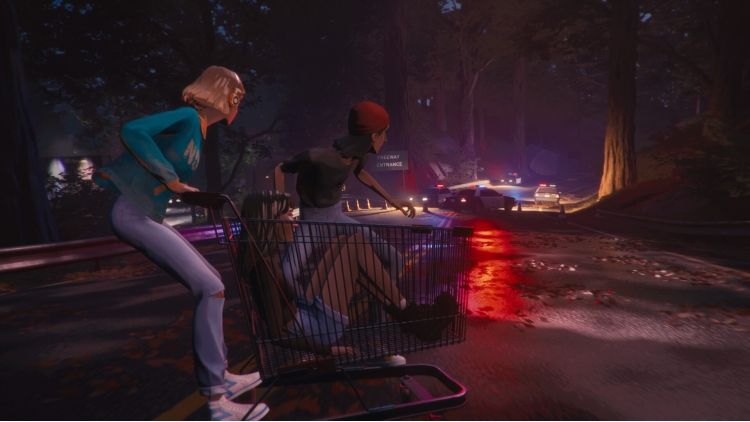
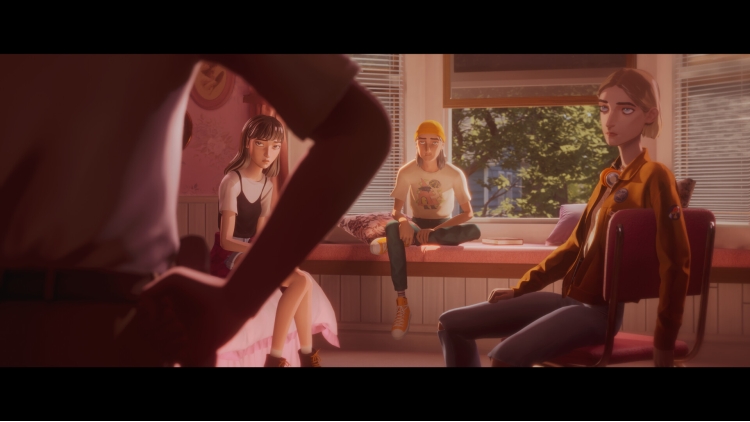
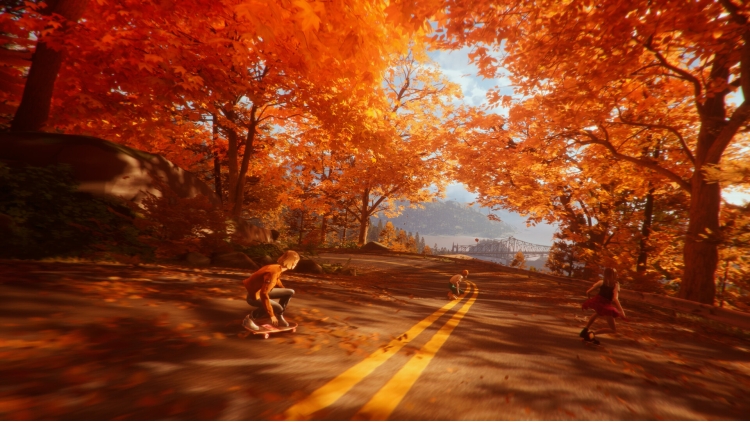
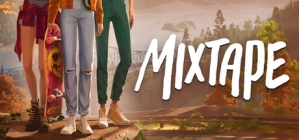
在高中的最后一晚,三个好朋友一起开始了又一次冒险。播放充满回忆的混音带,聆听一代人的原声音乐。
在前往最后一次聚会的途中,一个精心挑选的播放列表将他们带入梦境,重现他们的成长记忆。体验各种叙事小插曲,探索塑造他们的关键时刻。从初吻到最后一支舞,这是缅怀青少年友谊的精选辑。
《Mixtape》由 BAFTA 获奖游戏《The Artful Escape》的开发商 Beethoven&Dinosaur 推出,从经典的青春电影中汲取灵感,融合怀旧的迷茫感、恶作剧、音乐、青春期的酸甜苦辣,以及成长、转变和离别带来的苦乐参半的情感。
包含 DEVO、Roxy Music、Lush、The Smashing Pumpkins、Iggy Pop、Siouxsie and the Banshees、Joy Division 等乐队的音乐。
玩滑板。聚会。躲避警察。
亲热。偷溜。玩耍。
© 2026 Annapurna Games, LLC. Developed by Beethoven & Dinosaur. Published by Annapurna Interactive under exclusive license. All rights reserved.
您可以通过官方零售商 Mixtape 以最优惠的价格快速购买 cn.etail.market PC 游戏
© 2026 Annapurna Games, LLC. Developed by Beethoven & Dinosaur. Published by Annapurna Interactive under exclusive license. All rights reserved.
在 Steam 上激活
从此处下载并在您的计算机上安装 Steam 客户端.
https://store.steampowered.com/?l=schinese
2)打开Steam客户端,注册并登录。 然后,找到顶部菜单上的“游戏”选项卡。 单击它并选择“在 Steam 上激活产品……”

3)输入显示在 eTail 订单页面上的代码。 市场并按照显示的步骤激活您的游戏。

4)现在可以监控游戏,您可以在 Steam 的“库”部分看到它。 您现在可以下载并安装游戏。
5)如果您需要更多信息和支持,可以单击此处:https://help.steampowered.com/en/wizard/HelpWithSteam
 15%
缺货
15%
缺货
 缺货
缺货
 加入購物車
加入購物車
 65%
加入購物車
65%
加入購物車
 加入購物車
加入購物車
 缺货
缺货
 缺货
缺货
 加入購物車
加入購物車
 缺货
缺货
 缺货
缺货