Jumping Jazz Cats
Jumping Jazz Cats
¥40.49 ¥13.77 66%
不要错过折扣机会!
  • 小时
  • 分钟
  • 此产品无法在 United States 激活!
    Add to Cart Button Icon 加入購物車

    • 平台 Steam Icon
    • 操作系统
      Windows Icon
    • 类型 Indie , Casual
    • 开发商 Le Catnip Collective
    • 鼻祖 Team 17
    • 年龄限制 0
    • 发布日 2025-05-20 7:14 AM
    • 支持的语言 English, French, Italian, German, Spanish - Spain, Japanese, Korean, Polish, Russian, Simplified Chinese, Traditional Chinese
    Jumping Jazz Cats
    Jumping Jazz Cats
    Jumping Jazz Cats
    Jumping Jazz Cats
    Jumping Jazz Cats
    Jumping Jazz Cats
    Jumping Jazz Cats
    Jumping Jazz Cats
    Jumping Jazz Cats
    Jumping Jazz Cats
    Jumping Jazz Cats
    Jumping Jazz Cats
    Jumping Jazz Cats
    Jumping Jazz Cats
    Jumping Jazz Cats
    Jumping Jazz Cats

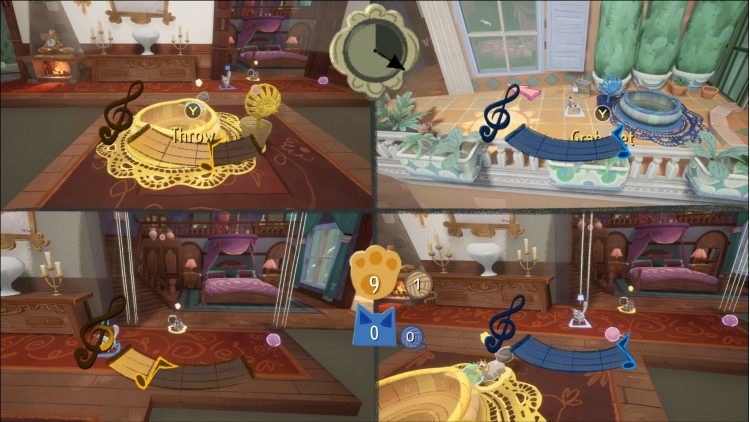
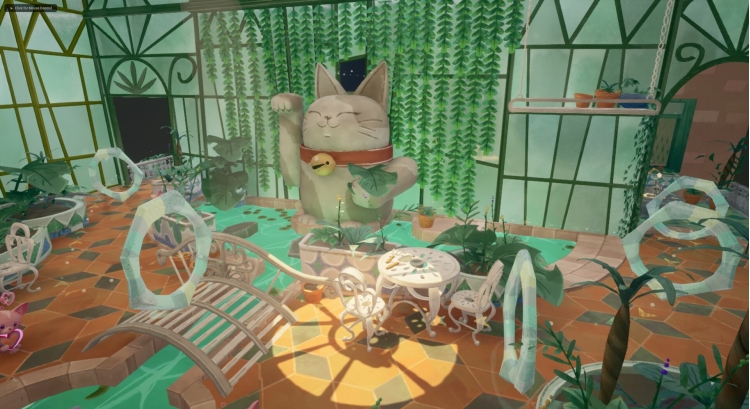
    在这款在线平台派对游戏中,与你的猫咪朋友们一起玩耍、赛跑、玩耍!在宏伟的卡通豪宅中,通过一系列合作和竞争性的迷你游戏,尽情冲刺、跳跃、弹跳、荡秋千、滑行和滑行,完美演绎你的猫咪跑酷。快来跳起来吧,爵士猫咪们!

    购买 Jumping Jazz Cats PC Steam Game Code - 最优惠价格 | eTail

    您可以通过官方零售商 Jumping Jazz Cats 以最优惠的价格快速购买 cn.etail.market PC 游戏

    Jumping Jazz Cats © Le Catnip Collective, published under licence by TEAM17 Digital Limited

    Jumping Jazz Cats 最低系统要求:
    Minimum:
    • Requires a 64-bit processor and operating system
    • OS: Windows 10
    • Processor: Intel Core i7-950 or AMD Athlon X4 850
    • Memory: 8 GB RAM
    • Graphics: NVIDIA GeForce GT 1030, 2GB or AMD Radeon R7 250X, 2GB
    • DirectX: Version 11
    • Storage: 2 GB available space

    Jumping Jazz Cats 推荐的系统要求 :
    Recommended:
    • Requires a 64-bit processor and operating system
    • OS: Windows 10
    • Processor: Intel Core i7-6700 or AMD Ryzen 5 1500X
    • Memory: 12 GB RAM
    • Graphics: NVIDIA GeForce GTX 980, 4GB or AMD Radeon RX 5600, 6GB or Intel Arc A580, 8GB
    • DirectX: Version 11
    • Storage: 2 GB available space

    在 Steam 上激活

    从此处下载并在您的计算机上安装 Steam 客户端.

    https://store.steampowered.com/?l=schinese

    2)打开Steam客户端,注册并登录。 然后,找到顶部菜单上的“游戏”选项卡。 单击它并选择“在 Steam 上激活产品……”

     

    3)输入显示在 eTail 订单页面上的代码。 市场并按照显示的步骤激活您的游戏。


    4)现在可以监控游戏,您可以在 Steam 的“库”部分看到它。 您现在可以下载并安装游戏。

    5)如果您需要更多信息和支持,可以单击此处:https://help.steampowered.com/en/wizard/HelpWithSteam

    推荐的