

Adventures of Chris
¥99.99


 加入購物車
加入購物車

 加入購物車
加入購物車

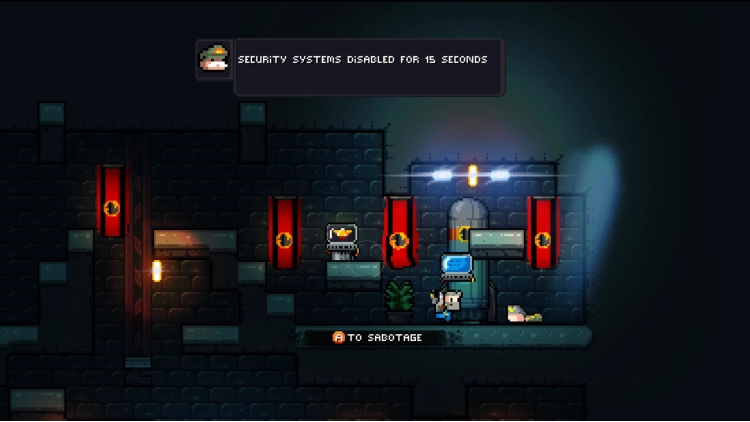
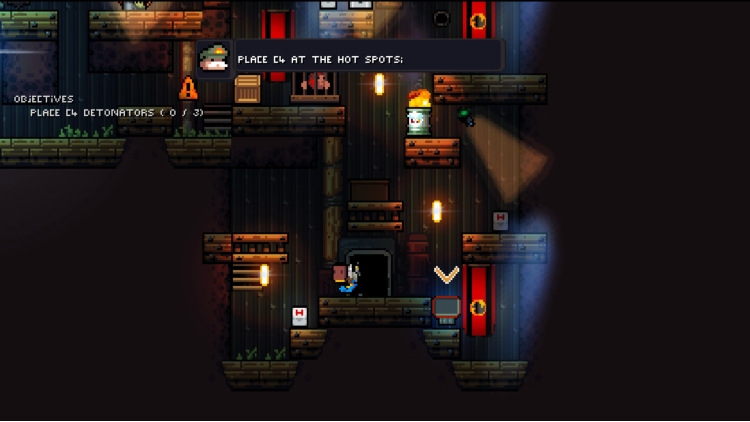
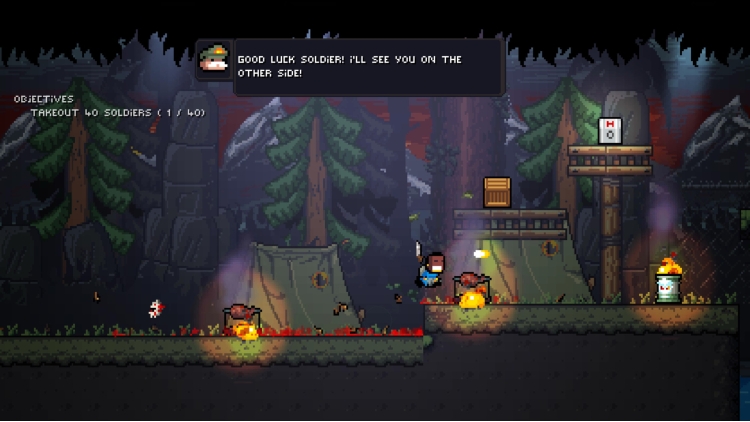

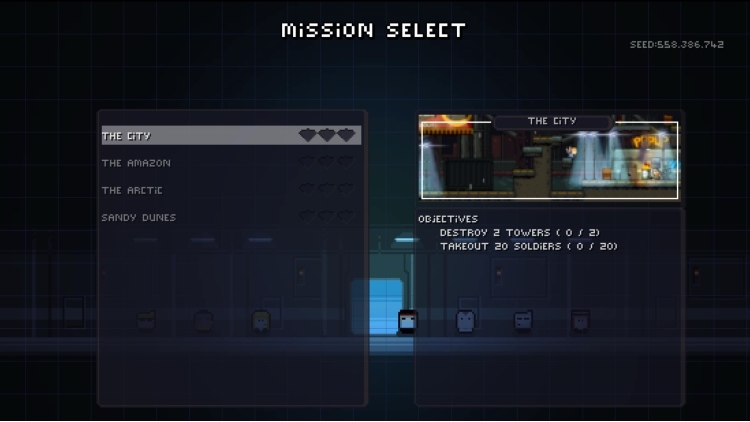
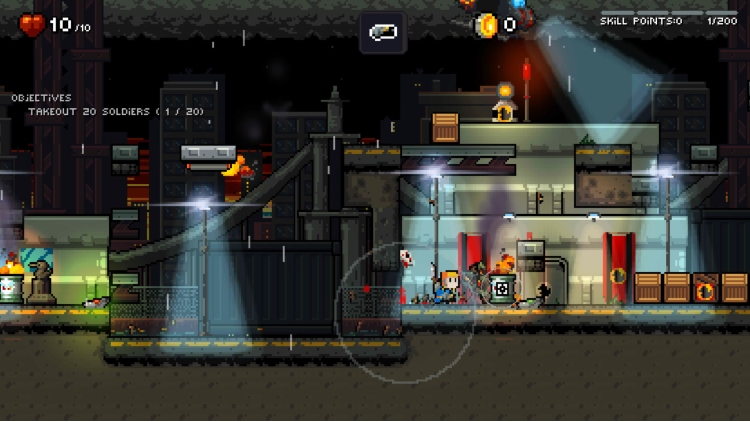
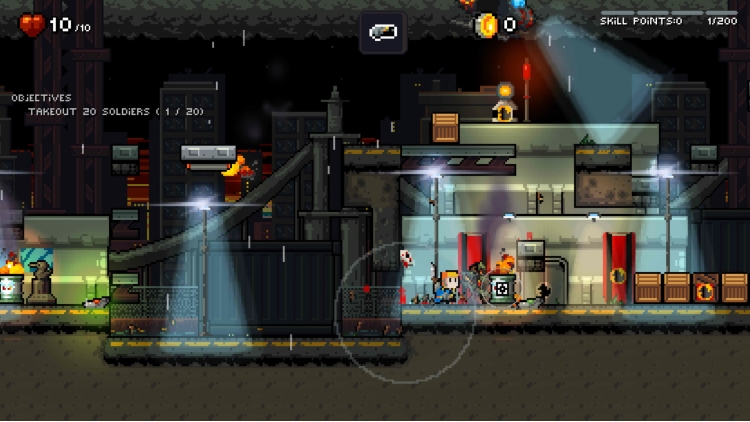
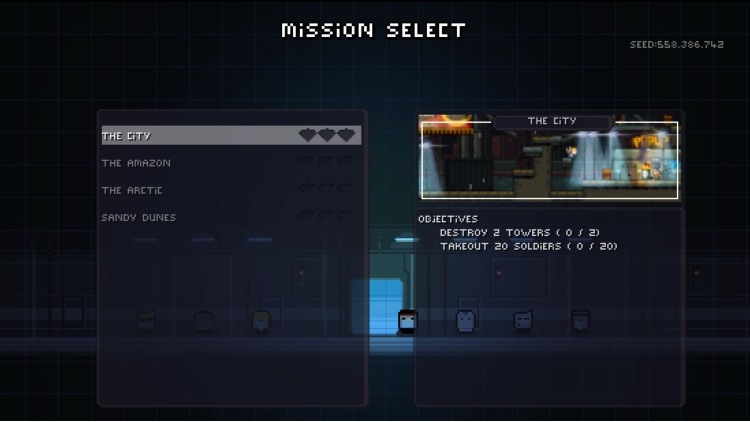
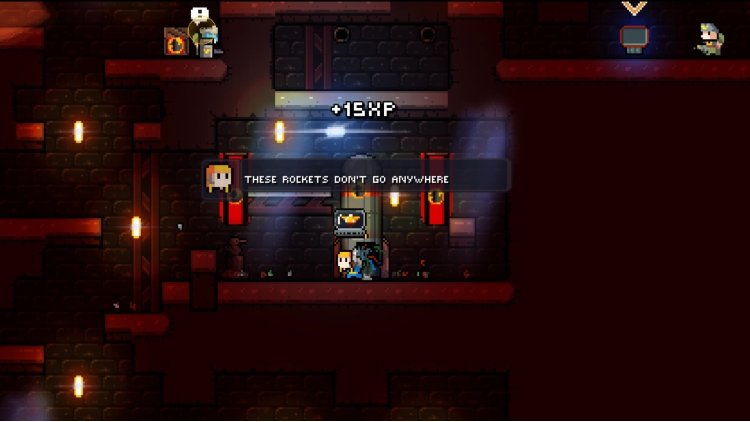
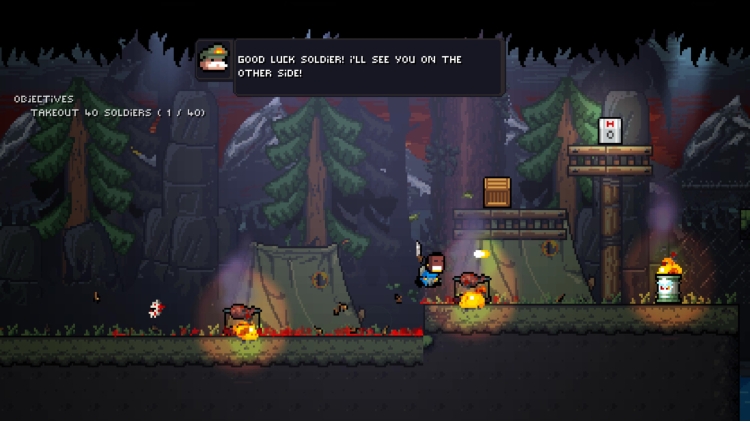

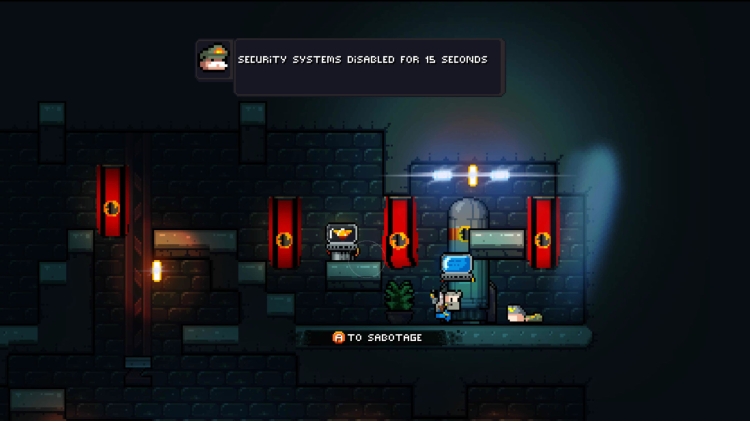
您对这款游戏有什么期望:原版游戏是动作平台游戏,但引入了一系列功能,使游戏变得更隐蔽、更注重战术,并在上面添加了一些 rogue-lite 功能。
这个想法是,您可以自由地以自己喜欢的方式应对这款游戏:潜行并花时间击倒敌人?您可以做到!喜欢在枪林弹雨中快速穿梭?您真的那么厉害?那就去吧!
我的建议?尝试一下两者,并采用更具战术性的方法。通常,更明智的做法是不要与一大群敌人交战,而是逐个消灭他们,或者用放置得当的粘性炸弹或地雷消灭他们。在其他情况下,完全使用兰博模式可能是生存和获得直升机的最佳机会!
游戏使用程序生成的环境,使每场游戏都有不同的体验,任务失败只是重试的借口,因为你的起始团队总是不同的,世界将带来新的挑战和不同的建筑布局,让你偷偷摸摸地前进。
主要特点:
目标 - 完成任务以在游戏中前进。
隐身 - 避开安全摄像头,躲避敌人,用石头、网球或其他可投掷物体分散他们的注意力。
战利品 - 有各种各样的物品可以帮助你完成任务,盾牌、头盔、不同类型的鞋子、EMP、武器等等。学习如何以最佳方式使用每个物品来帮助你在任务中生存。
程序生成 - 每个游戏的生成方式都不同,增加了重玩价值。
版权所有 (c) 2019 OrangePixel - www.orangepixel.net
您可以通过官方零售商 Gunslugs 3:Rogue Tactics 以最优惠的价格快速购买 cn.etail.market PC 游戏
Copyright (c) 2019 OrangePixel - www.orangepixel.net
在 Steam 上激活
从此处下载并在您的计算机上安装 Steam 客户端.
https://store.steampowered.com/?l=schinese
2)打开Steam客户端,注册并登录。 然后,找到顶部菜单上的“游戏”选项卡。 单击它并选择“在 Steam 上激活产品……”

3)输入显示在 eTail 订单页面上的代码。 市场并按照显示的步骤激活您的游戏。

4)现在可以监控游戏,您可以在 Steam 的“库”部分看到它。 您现在可以下载并安装游戏。
5)如果您需要更多信息和支持,可以单击此处:https://help.steampowered.com/en/wizard/HelpWithSteam
 加入購物車
加入購物車
 15%
缺货
15%
缺货
 缺货
缺货
 缺货
缺货
 65%
加入購物車
65%
加入購物車
 加入購物車
加入購物車
 加入購物車
加入購物車
 缺货
缺货
 缺货
缺货
 缺货
缺货
