Gunslugs 2
Gunslugs 2
¥34.47
此产品无法在 United States 激活!
Add to Cart Button Icon 加入購物車

Gunslugs 2
Gunslugs 2
Gunslugs 2
Gunslugs 2
Gunslugs 2
Gunslugs 2
Gunslugs 2
Gunslugs 2
Gunslugs 2
Gunslugs 2
Gunslugs 2
Gunslugs 2

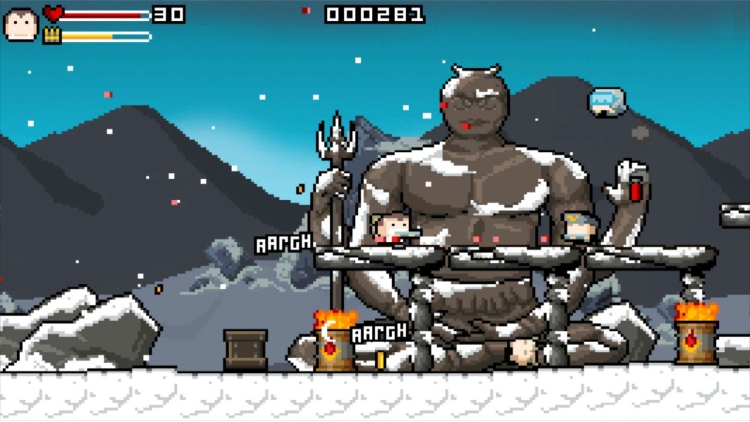
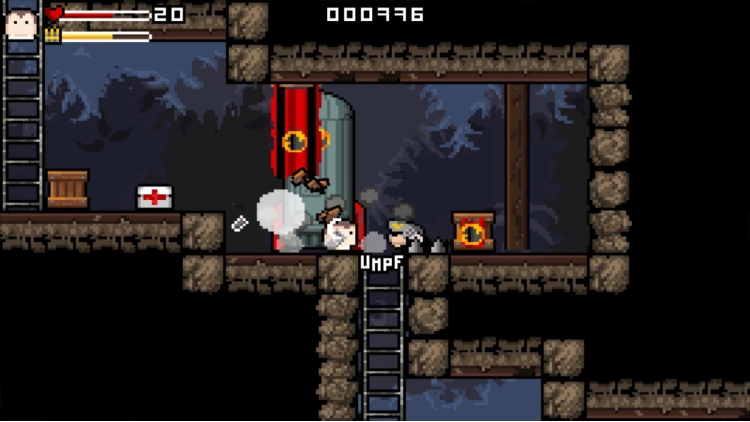
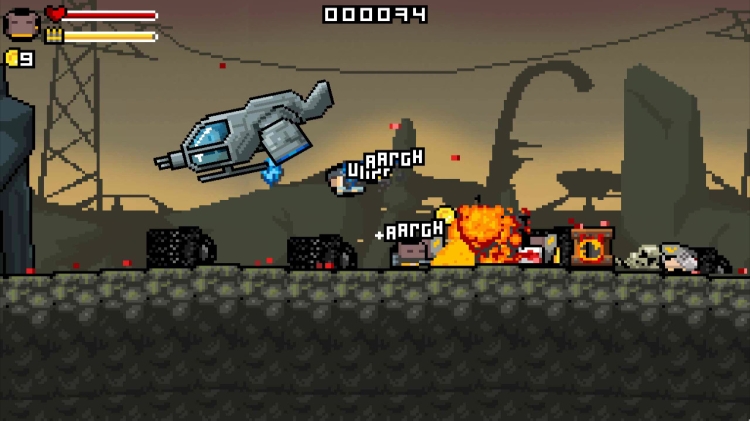
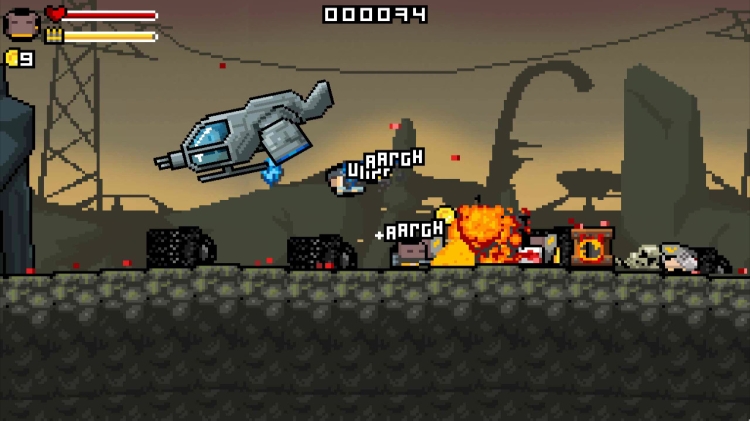
这个世界正遭受坦克、蜘蛛、炸弹、火箭、外星人和邪恶的黑鸭军团的攻击……这个世界需要一位英雄,你就是那个英雄!准备好加入枪弹军团了吗?

如果你喜欢刺激的动作、混乱、爆炸和怪异的氛围,并且不把一切都看得太严肃,那么你一定能理解枪弹军团的精髓。

这款游戏融合了快节奏的跑动射击游戏,并融合了我们所有喜爱的电影元素以及90年代和80年代的其他流行艺术元素。

故事

黑鸭军团带着新的统治计划回归,这一次他们想要征服银河系!他们的信号塔覆盖了整个星球,外星科技似乎被广泛使用。幸运的是,枪弹军团及时赶到,阻止了他们。

内容

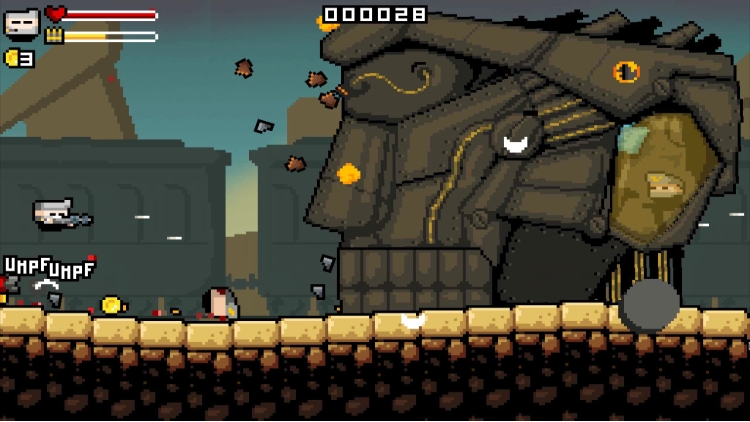
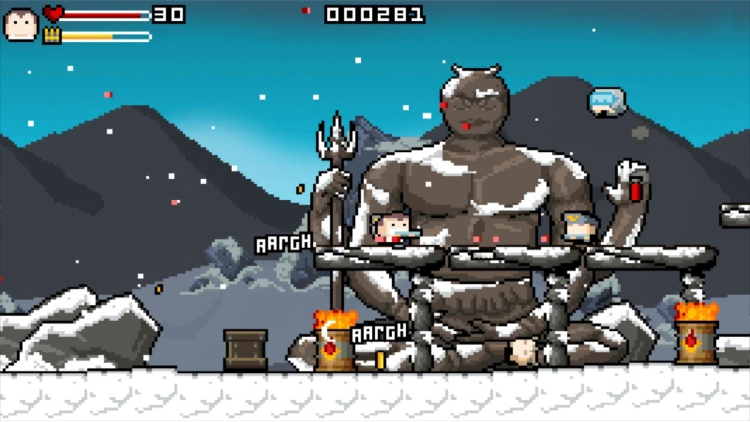
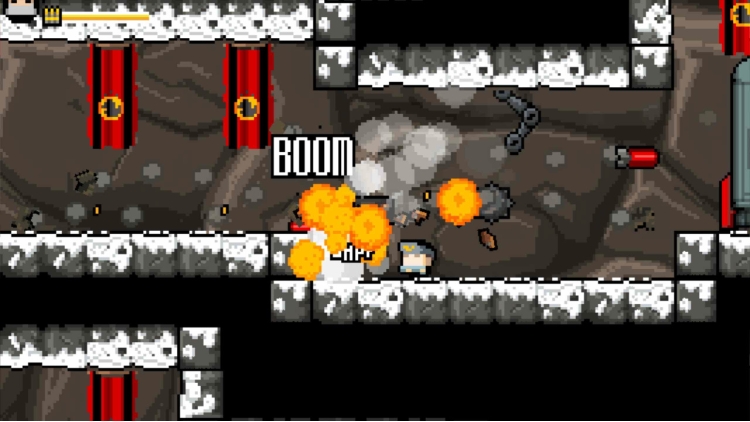
七个世界,每个世界八个关卡,关卡终点有Boss,随机生成的内部区域,坦克、地狱蠕虫、火箭发射器、外星人、闪电枪、巨型宇宙飞船、过场动画等等,让你欲罢不能。

版权所有 (c) 2015 OrangePixel - www.orangepixel.net


购买 Gunslugs 2 PC Steam Game Code - 最优惠价格 | eTail

您可以通过官方零售商 Gunslugs 2 以最优惠的价格快速购买 cn.etail.market PC 游戏

copyright (c) 2015 OrangePixel - www.orangepixel.net

Gunslugs 2 最低系统要求:
Windows
OS *: Windows 7 or higher
Processor: 2.0 ghz Dual Core
Memory: 2 GB RAM
Graphics: Intel HD3000 or higher with OpenGL 2.1 support
Storage: 200 MB available space
Sound Card: OpenAL supported sound card

macOS
OS: OSX Lion or newer
Processor: 2.0 ghz Dual Core
Memory: 2 GB RAM
Graphics: Intel HD3000 or higher with OpenGL 2.1 support
Storage: 200 MB available space
Sound Card: OpenAL supported sound card

Linux
OS: Ubuntu 12
Processor: 2.0 ghz Dual Core
Memory: 2 GB RAM
Graphics: Intel HD3000 or higher with OpenGL 2.1 support
Storage: 200 MB available space
Sound Card: OpenAL supported sound card

Gunslugs 2 推荐的系统要求 :
Windows
OS *: Windows 7 or higher
Processor: 2.0 ghz Dual Core
Memory: 2 GB RAM
Graphics: Intel HD3000 or higher with OpenGL 2.1 support
Storage: 200 MB available space
Sound Card: OpenAL supported sound card

macOS
OS: OSX Lion or newer
Processor: 2.0 ghz Dual Core
Memory: 2 GB RAM
Graphics: Intel HD3000 or higher with OpenGL 2.1 support
Storage: 200 MB available space
Sound Card: OpenAL supported sound card

Linux
OS: Ubuntu 12
Processor: 2.0 ghz Dual Core
Memory: 2 GB RAM
Graphics: Intel HD3000 or higher with OpenGL 2.1 support
Storage: 200 MB available space
Sound Card: OpenAL supported sound card

在 Steam 上激活

从此处下载并在您的计算机上安装 Steam 客户端.

https://store.steampowered.com/?l=schinese

2)打开Steam客户端,注册并登录。 然后,找到顶部菜单上的“游戏”选项卡。 单击它并选择“在 Steam 上激活产品……”

 

3)输入显示在 eTail 订单页面上的代码。 市场并按照显示的步骤激活您的游戏。


4)现在可以监控游戏,您可以在 Steam 的“库”部分看到它。 您现在可以下载并安装游戏。

5)如果您需要更多信息和支持,可以单击此处:https://help.steampowered.com/en/wizard/HelpWithSteam

推荐的