

NASCAR Heat Evolution
¥66.64


 缺货
缺货

 加入購物車
加入購物車


IARC

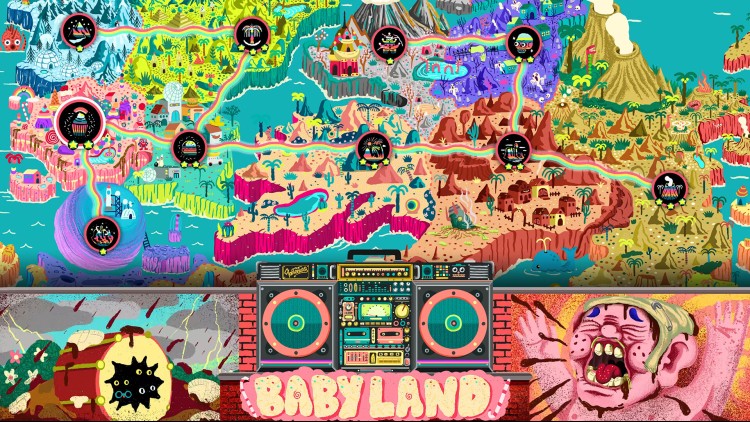
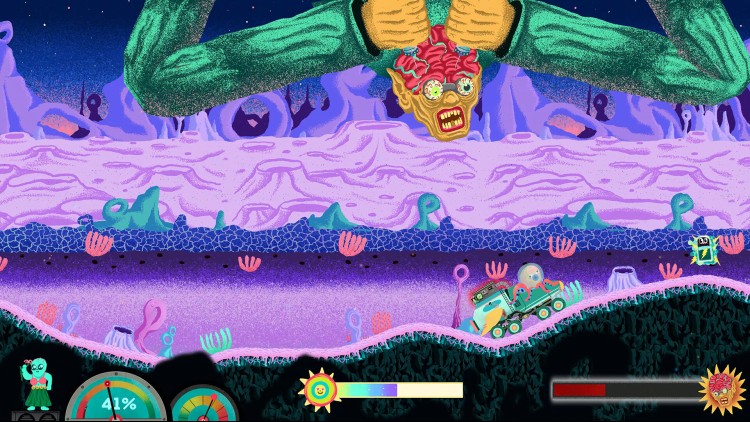
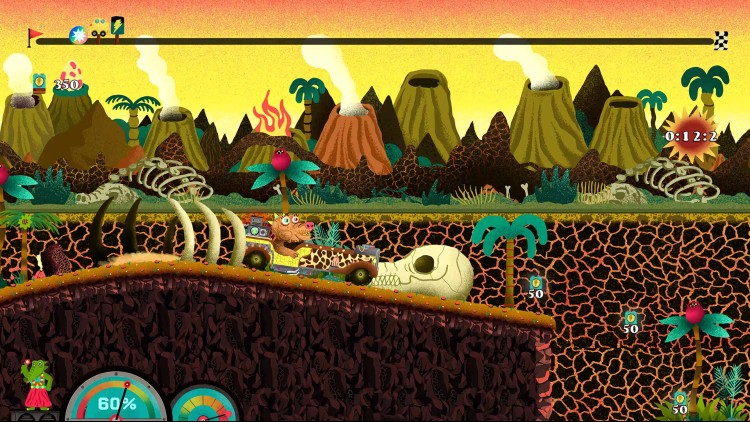
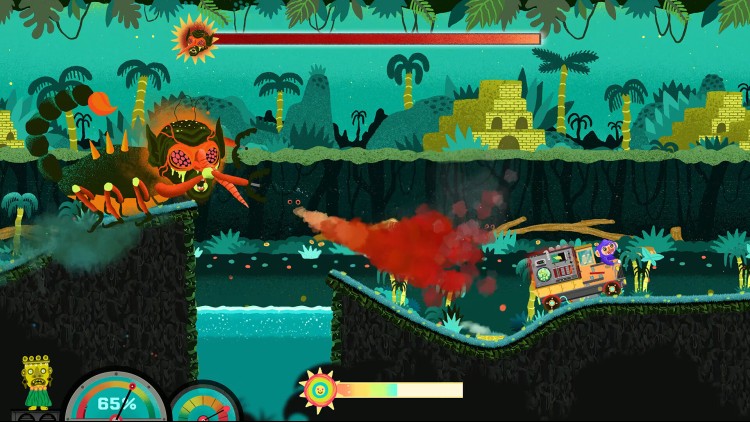
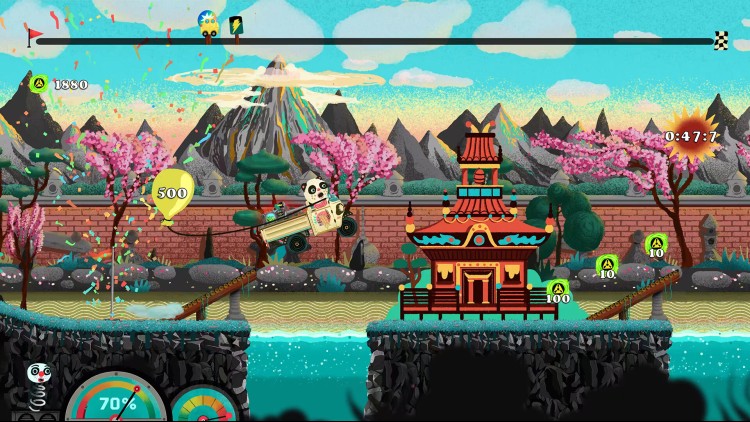
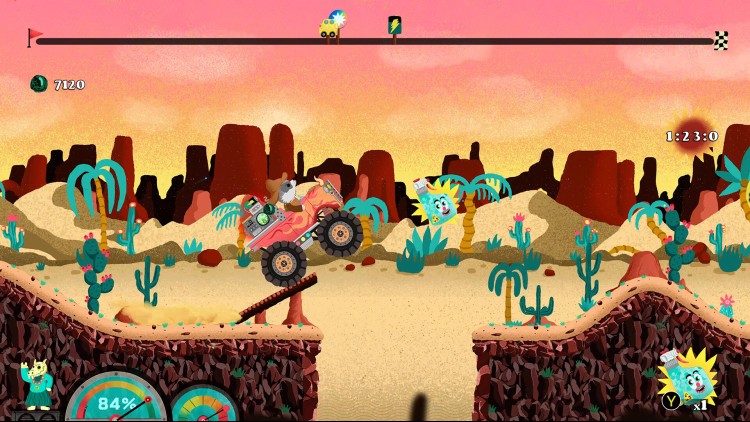
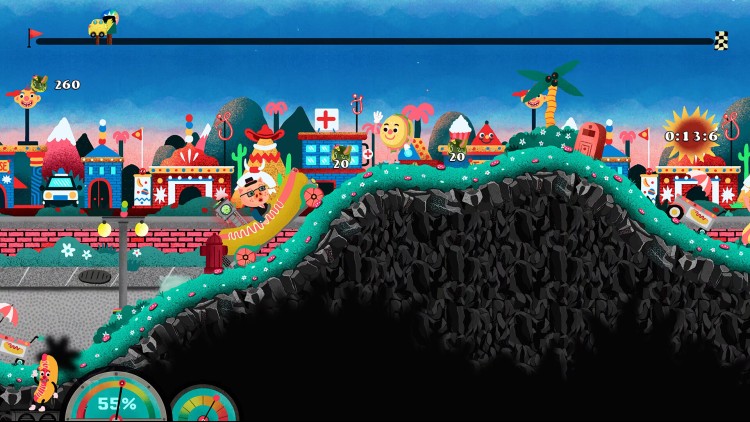
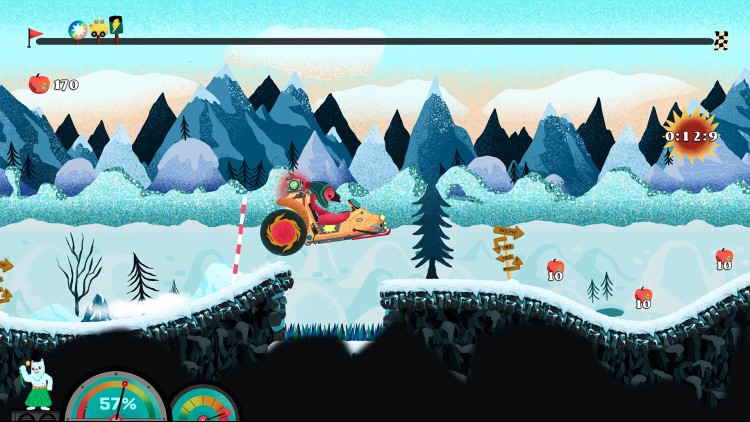
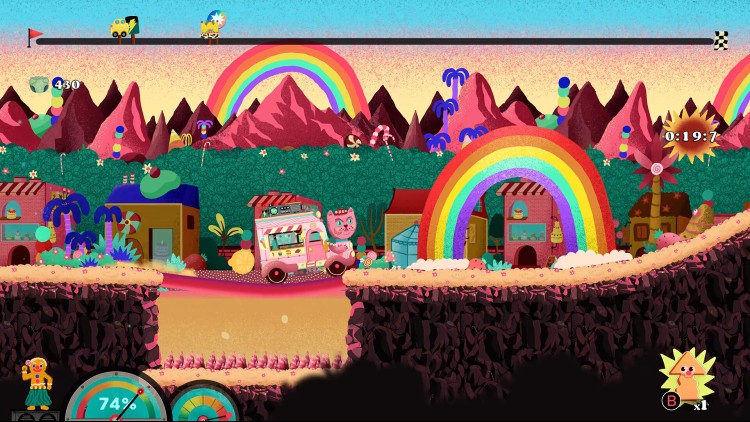
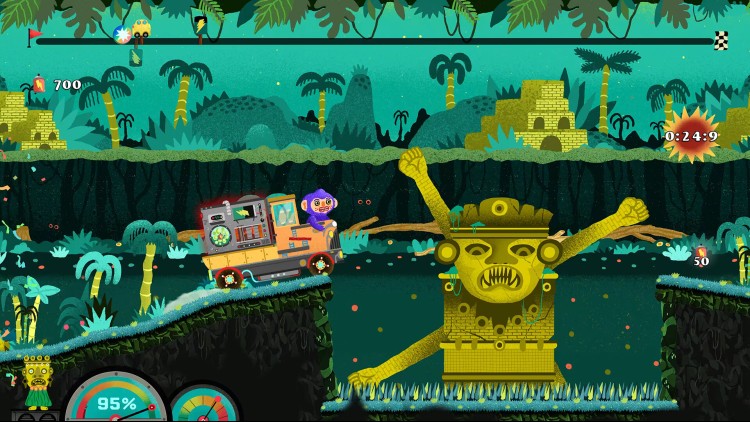
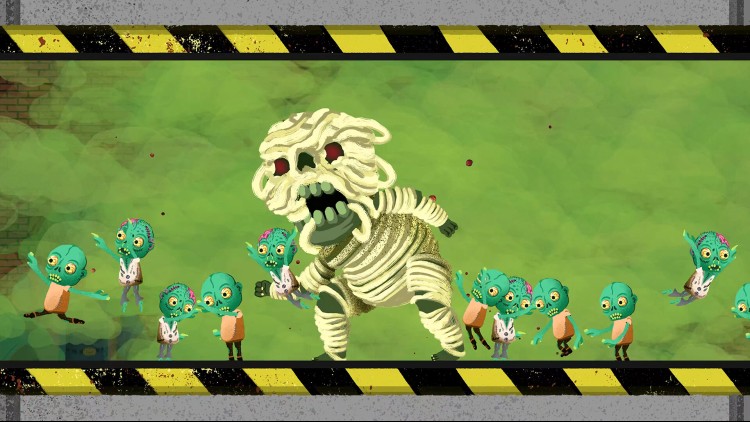
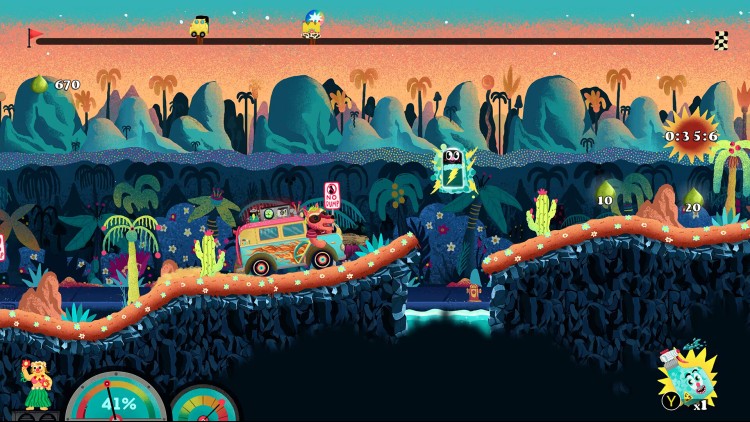

是时候在毛茸茸的路上勇往直前了!Funtasia是一款横屏卷轴式2D赛车游戏,目标很简单:尽可能快地开车到达终点线。帮助拯救美丽、绿色生态的的Funtasia世界和它的毛茸茸的居民,让他们不会因为从太空倾倒而下的数吨垃圾的死亡。
上手很简单,但要真正掌握却极具挑战性,Funtasia是考验你的时间观念和平衡能力。赛道此起彼伏,山丘、深坑、桥梁、流沙、悬崖和洞穴将横亘在你与终点线之间。到达终点需要你平衡油门、刹车和车身,各方面都要恰到好处(司机肯定不喜欢在硬质地面上以100KM时速亲吻路面,而且医生也不建议这样做哦)。
还有一件事要记住,你没法停车,只有开得非常非常快。懦夫才要休息。汽车电量终生无限!
特点
• 以极快的速度通过10条奇幻的赛道,拯救Funtasia,一个充满毛茸茸动物的天堂,让它们免受垃圾的末日灾难。
• 掌握40种不同的汽车,它们有各自的性能、挑战和特质!
• 与阴暗卑鄙的敌人对战,从各个关卡闯关中杀出一条生路。
• 孤身独闯这条毛茸茸的道路,或者在合作或挑战模式下双人共进。
• 在全球联机排行榜上挑战世界各地的玩家,在疾速纪录中占据一席之地
• 体验意大利艺术家Emanuele Olives的奇特艺术风格,画面灵感来自Heinz Edelmenn的作品《Adventure Time》和《Troma》。
您可以通过官方零售商 Funtasia 以最优惠的价格快速购买 cn.etail.market PC 游戏
© Fantastico Studio & Freedom Games - All Rights Reserved.
在 Steam 上激活
从此处下载并在您的计算机上安装 Steam 客户端.
https://store.steampowered.com/?l=schinese
2)打开Steam客户端,注册并登录。 然后,找到顶部菜单上的“游戏”选项卡。 单击它并选择“在 Steam 上激活产品……”

3)输入显示在 eTail 订单页面上的代码。 市场并按照显示的步骤激活您的游戏。

4)现在可以监控游戏,您可以在 Steam 的“库”部分看到它。 您现在可以下载并安装游戏。
5)如果您需要更多信息和支持,可以单击此处:https://help.steampowered.com/en/wizard/HelpWithSteam
 缺货
缺货
 缺货
缺货
 65%
加入購物車
65%
加入購物車
 加入購物車
加入購物車
 15%
缺货
15%
缺货
 缺货
缺货
 缺货
缺货
 缺货
缺货
 加入購物車
加入購物車
 加入購物車
加入購物車
 加入購物車
加入購物車
