Escape Academy: Escape From the Past
¥42.00
此产品无法在 United States 激活!
Add to Cart Button Icon 加入購物車

  • 平台 Steam Icon
  • 操作系统
    Windows Icon Linux Icon
  • 类型 Puzzle
  • 开发商 Coin Crew Games
  • 鼻祖 iam8bit Inc
  • 发布日 2023-06-19 12:00 AM
  • 支持的语言 English, French, German, Spanish - Spain
Escape Academy: Escape From the Past

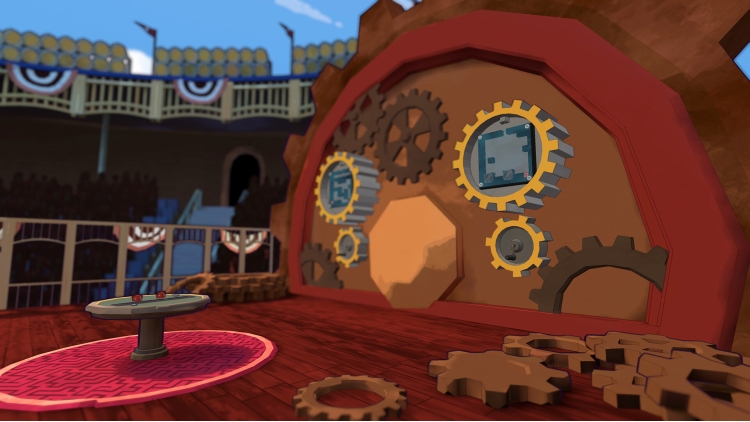
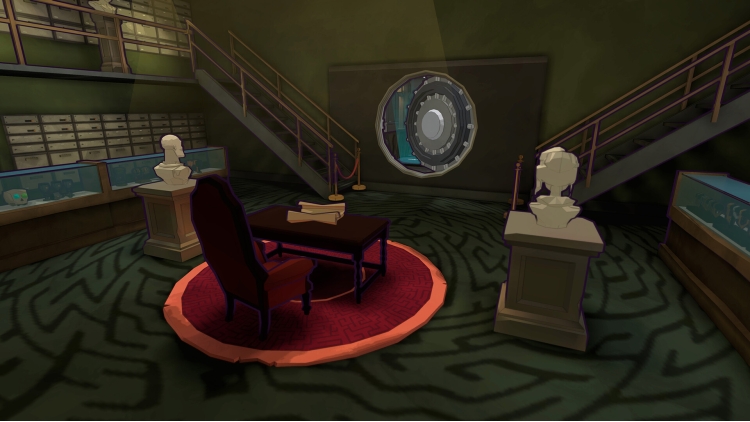
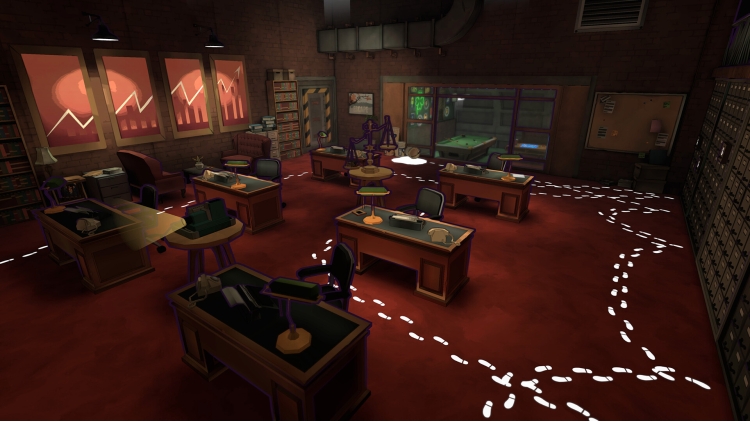
在这部神秘侦探小说《逃离过去》里拜访昔日的逃脱学院吧!在这个前传DLC(包含在《逃脱学院》季票中)里,玩家可通过操纵桑德拉·索兰格和伊尔·巴恩斯,体验他们过去在学院里的所有经历,开始一场学生之旅 !


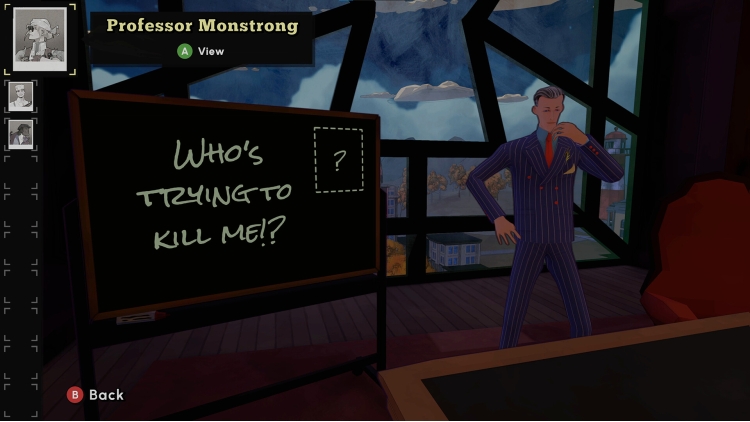
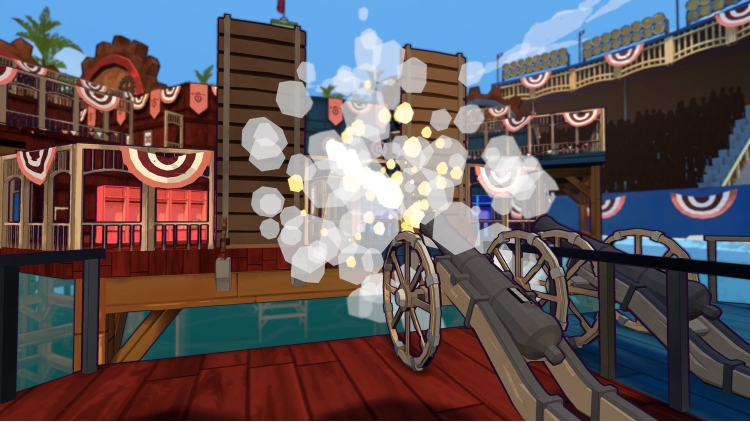
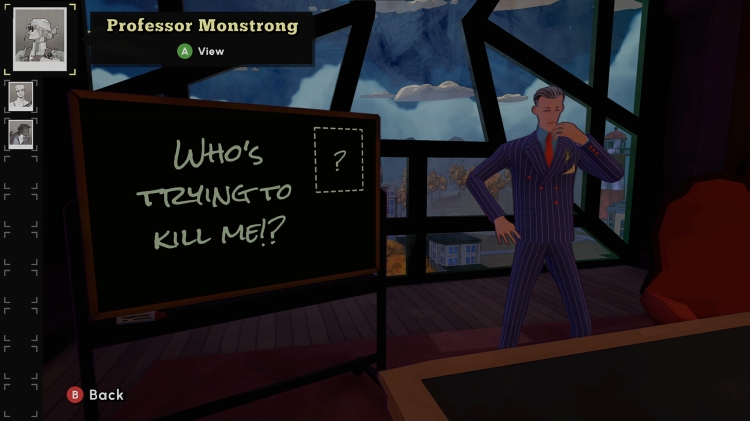
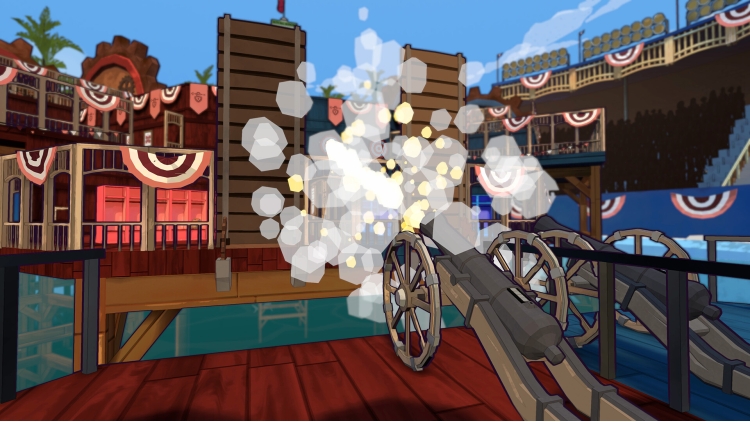
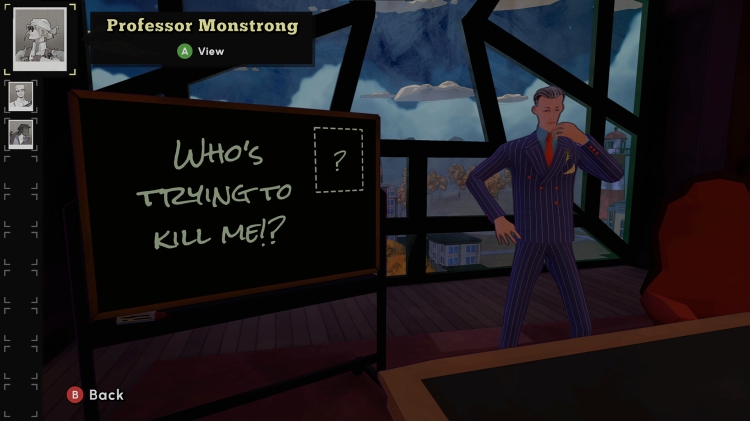
在一次学院运动会上发生的令人痛心的“事故”差点导致校长霍雷肖·温莎的死亡后,他确信是其中一名教职工策划了这一切,并试图杀害他!但他确信这里到处都是这名杀人犯的耳目,于是拜托桑德拉和伊尔担任卧底,调查每一位可疑的教师。


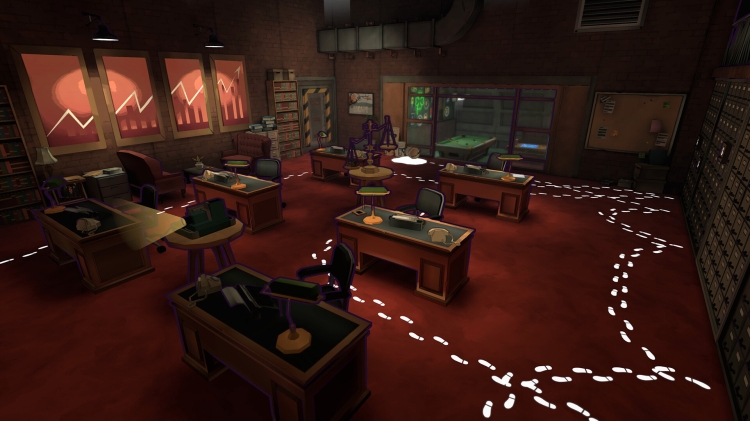
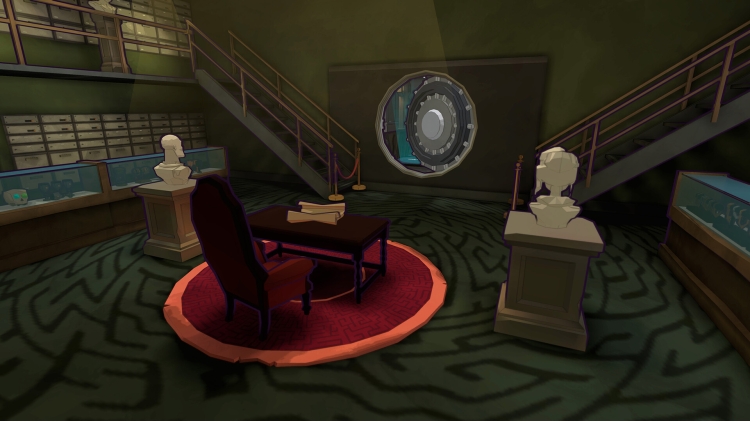
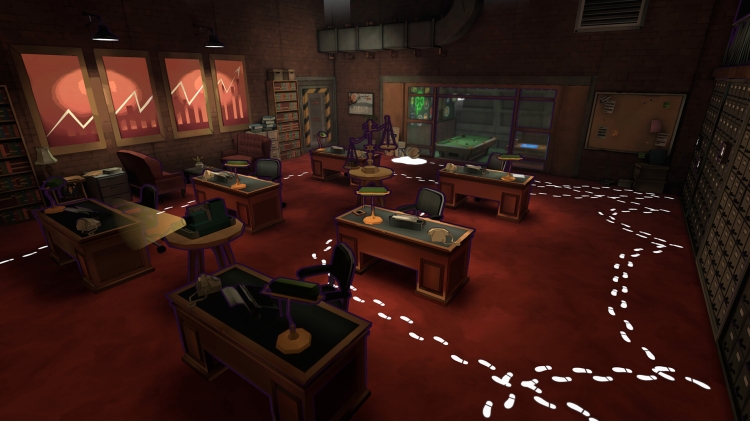
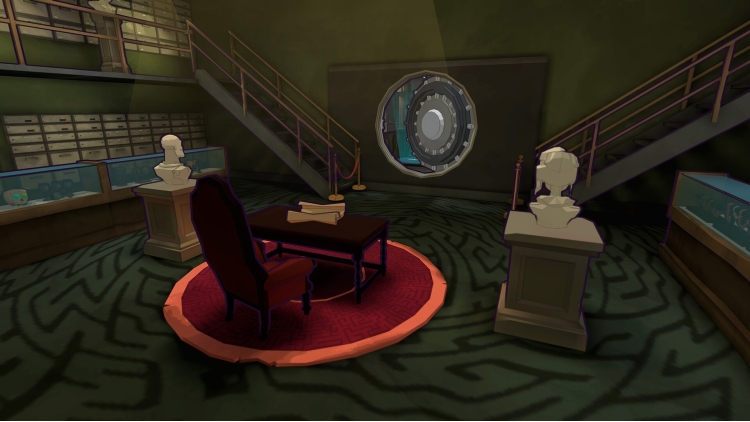
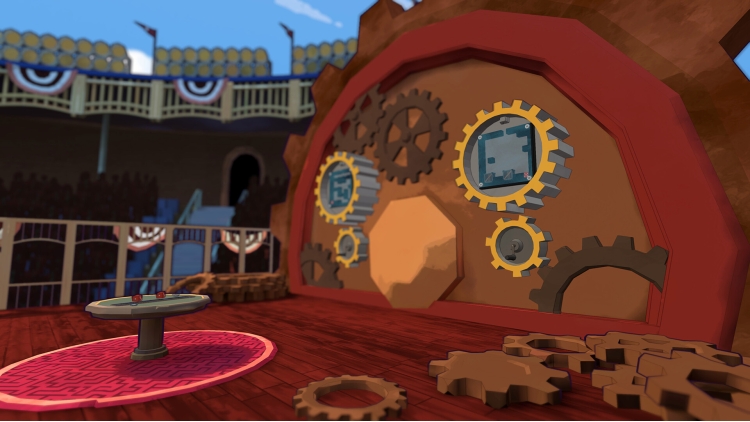
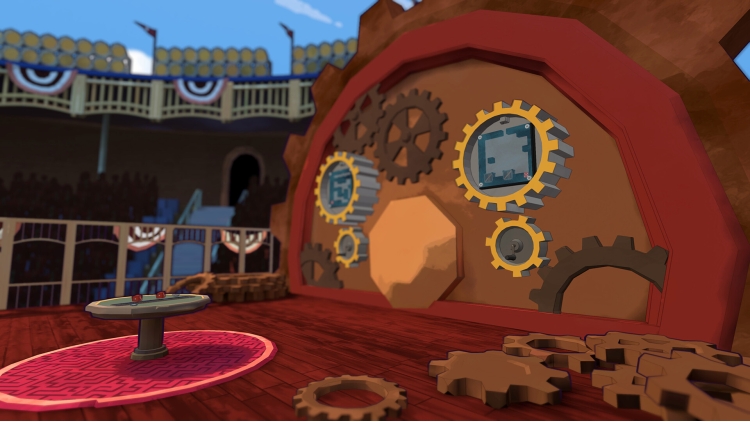
随着“事故”的不断增加,玩家必须成功地去往(并生存下来!)五个全新的房间,同时拼凑线索以找出疑犯。这是一部《逃脱学院》侦探小说!


iam8bit®, iam8bit Presents™, and the related logos are trademarks of iam8bit, Inc. All rights reserved.


购买 Escape Academy: Escape From the Past PC Steam Game Code - 最优惠价格 | eTail

您可以通过官方零售商 Escape Academy: Escape From the Past 以最优惠的价格快速购买 cn.etail.market PC 游戏

iam8bit®, iam8bit Presents™, and the related logos are trademarks of iam8bit, Inc. All rights reserved.

Escape Academy: Escape From the Past 最低系统要求:
Windows
OS: Windows 7
DirectX: Version 10
Storage: 5 GB available space

Escape Academy: Escape From the Past 推荐的系统要求 :

在 Steam 上激活

从此处下载并在您的计算机上安装 Steam 客户端.

https://store.steampowered.com/?l=schinese

2)打开Steam客户端,注册并登录。 然后,找到顶部菜单上的“游戏”选项卡。 单击它并选择“在 Steam 上激活产品……”

 

3)输入显示在 eTail 订单页面上的代码。 市场并按照显示的步骤激活您的游戏。


4)现在可以监控游戏,您可以在 Steam 的“库”部分看到它。 您现在可以下载并安装游戏。

5)如果您需要更多信息和支持,可以单击此处:https://help.steampowered.com/en/wizard/HelpWithSteam

推荐的