

NASCAR Heat 5
¥100.06


 缺货
缺货
 加入購物車
加入購物車

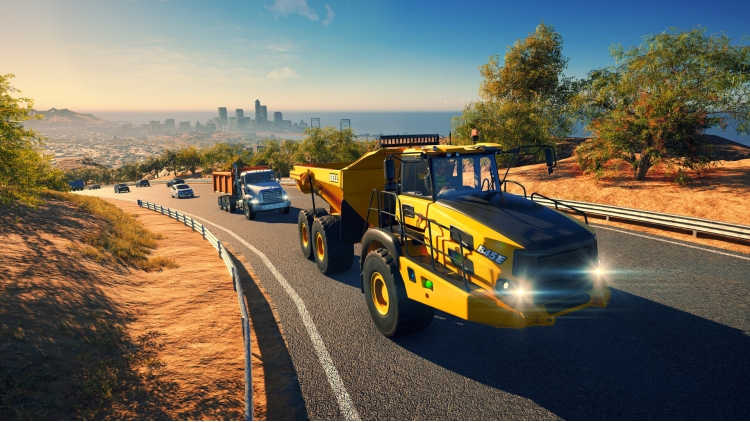
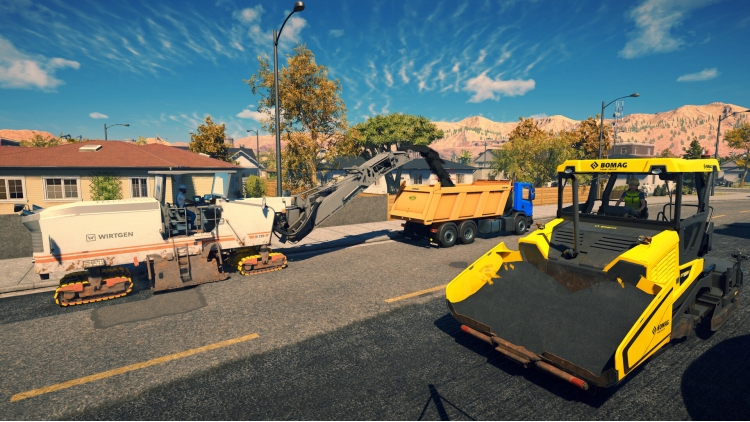
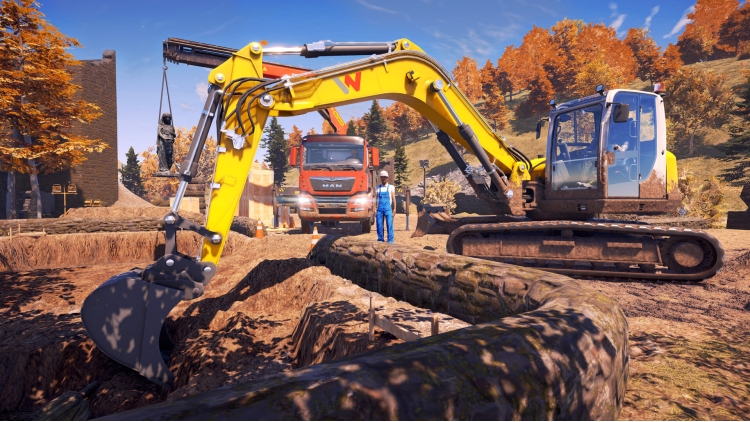
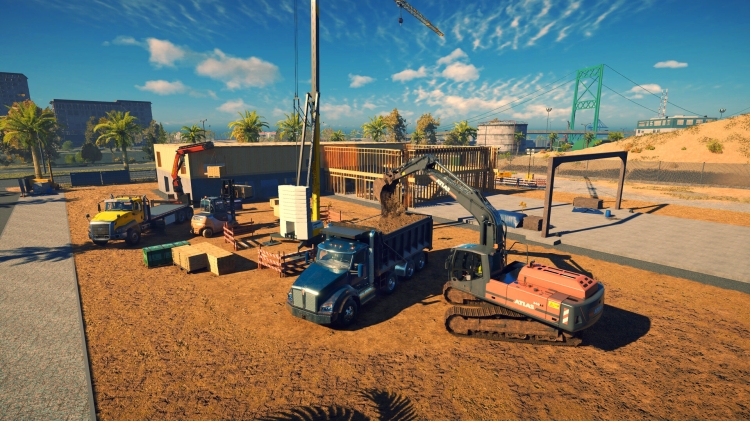
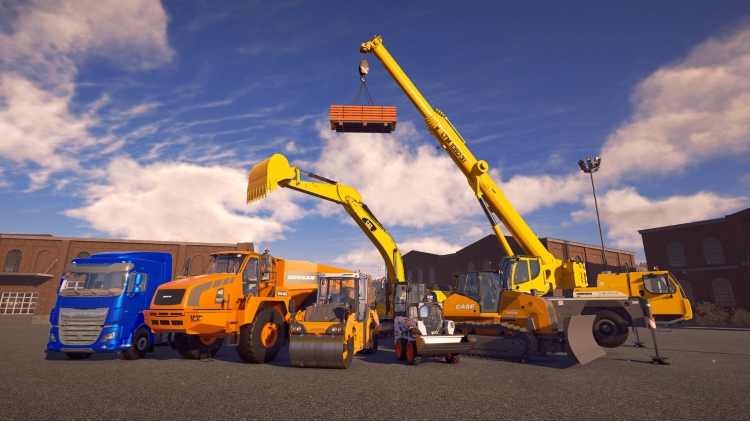
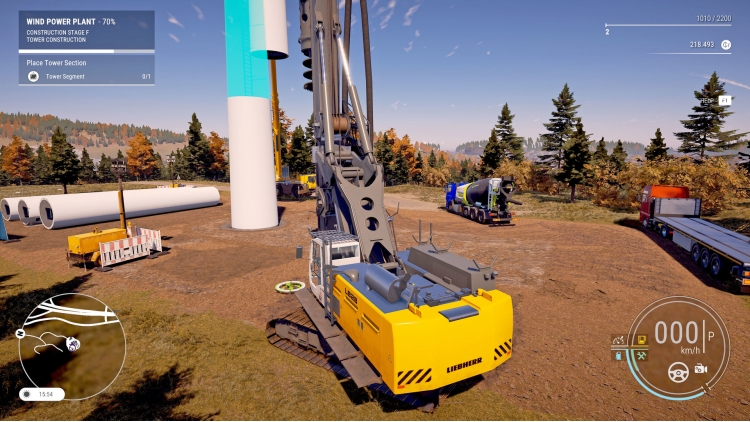
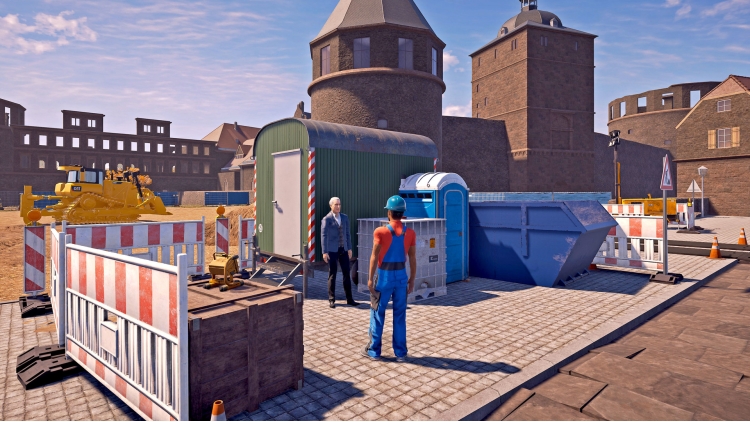
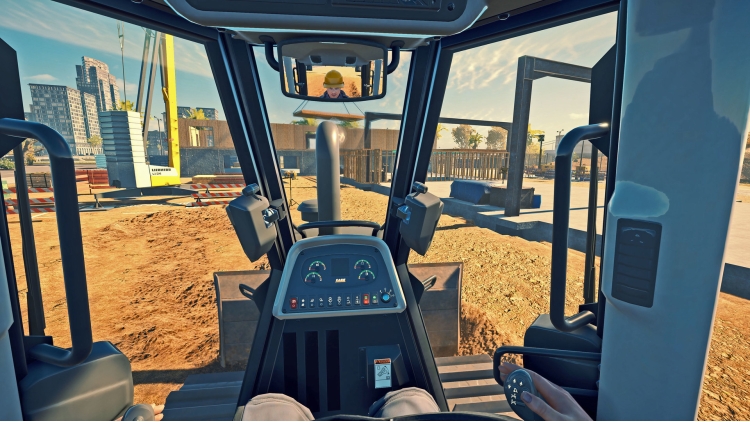
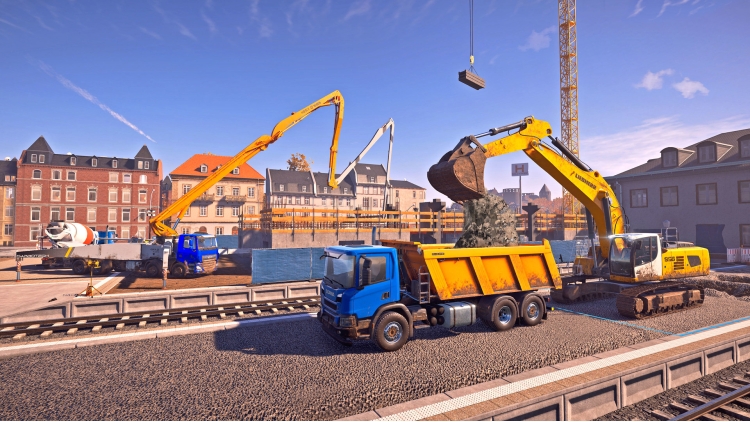
《建筑模拟器》又回来了,比以往规模更大、体验更好!用一支规模惊人的车队重返工作岗位。除了在《建筑模拟器》系列游戏中已为人所熟悉的Caterpillar、CASE和BELL等品牌以外,你还可以驾驶来自DAF和Doosan等合作伙伴的新授权机械,总共有70多款。
在两张分别以美国和德国风景为灵感的地图上,随心所欲地进行建造。
两张地图加起来共有90多项激动人心的任务等待完成,因此总有新的探索出现!
每张地图都有自己的建设项目,你可以通过该建设项目创立建筑公司当老板。当你在导师Hape的帮助下从头开始创业时,你将获得规模更大、趣味性更强的工作,来发展公司和壮大车队。你还将遇到给你带来挑战的各种客户。诸如翻新港口区以吸引更多游客或帮助陷入困境的内城区恢复等任务将需要你展现所有技能。
在以德国西南部田园诗般的城市为灵感的欧洲地图上,你会发现连绵起伏的丘陵和优美如画的河畔。在弗里登堡,你的任务是在建设项目期间帮忙设计可再生能源解决方案,并改善该市的基础设施。除了这些规模较大的工作以外,你还将获得各种任务来测试你获得的每一件设备。驾车穿过城市时,为自己的成就感到自豪吧!
当然,玩家可以期待看到该系列游戏前几部中熟悉的品牌和机械。所有这些官方授权的合作伙伴均配有外观经过改进的熟悉机械和新机械:Atlas、BELL、Bobcat、Bomag、CASE、Caterpillar©、Kenworth、Liebherr、MAN、Mack Trucks、Meiller-Kipper、Palfinger、Still和Wirtgen Group。
除了已知的授权合作伙伴,玩家还享有新的选择:Wirtgen Group旗下的Benninghoven、Cifa、DAF、Doosan、Nooteboom、Scania、Schwing Stetter和Wacker Neuson。新的授权合作伙伴Engelbert Strauss将让你的玩家角色享用官方授权的个人防护装备。
尽请期待来自这些授权合作伙伴的70多款机械,它们都忠实地再现了现实生活中的对应机械。你不仅可以发展自己的建筑帝国,还可以邀请最多三名好友加入。共同协调和建造,以更高效地完成合约!
特色:
70多款机械、车辆、卡车、附件
两张基于美国和德国的巨大地图
两张地图中的每一张都有自己的建设项目
用90多份合约挑战自己
9个新的授权合作伙伴,总共25个正式授权的合作伙伴
最多四名玩家参与的在线多人游戏
也可以通过点击屏幕右侧的EULA链接查看我们的隐私政策。
©2022 astragon Entertainment GmbH. ©2022 weltenbauer. Software Entwicklung GmbH. Published and distributed by astragon Entertainment GmbH. Developed by weltenbauer. Software Entwicklung GmbH. Construction Simulator, astragon, astragon Entertainment and its logos are trademarks or registered trademarks of astragon Entertainment GmbH. weltenbauer., weltenbauer. Software Entwicklung GmbH and its logos are trademarks or registered trademarks of weltenbauer. The machines in this game may be different from the actual products in shapes, colours and performance. All other intellectual property relating to the trucks, machines, construction equipment, associated brands and imagery (including trademarks and/or copyrighted materials) featured in the game are therefore the property of their respective companies. All rights reserved.
您可以通过官方零售商 Construction Simulator 以最优惠的价格快速购买 cn.etail.market PC 游戏
©2022 astragon Entertainment GmbH. ©2022 weltenbauer. Software Entwicklung GmbH. Published and distributed by astragon Entertainment GmbH. Developed by weltenbauer. Software Entwicklung GmbH. Construction Simulator, astragon, astragon Entertainment and its logos are trademarks or registered trademarks of astragon Entertainment GmbH. weltenbauer., weltenbauer. Software Entwicklung GmbH and its logos are trademarks or registered trademarks of weltenbauer. The machines in this game may be different from the actual products in shapes, colours and performance. All other intellectual property relating to the trucks, machines, construction equipment, associated brands and imagery (including trademarks and/or copyrighted materials) featured in the game are therefore the property of their respective companies. All rights reserved.
在 Steam 上激活
从此处下载并在您的计算机上安装 Steam 客户端.
https://store.steampowered.com/?l=schinese
2)打开Steam客户端,注册并登录。 然后,找到顶部菜单上的“游戏”选项卡。 单击它并选择“在 Steam 上激活产品……”

3)输入显示在 eTail 订单页面上的代码。 市场并按照显示的步骤激活您的游戏。

4)现在可以监控游戏,您可以在 Steam 的“库”部分看到它。 您现在可以下载并安装游戏。
5)如果您需要更多信息和支持,可以单击此处:https://help.steampowered.com/en/wizard/HelpWithSteam
 缺货
缺货
 缺货
缺货
 缺货
缺货
 缺货
缺货
 加入購物車
加入購物車
 缺货
缺货
 15%
缺货
15%
缺货
 加入購物車
加入購物車
 65%
加入購物車
65%
加入購物車
 加入購物車
加入購物車
