Behind the Frame: The Finest Scenery
¥44.04
此产品无法在 United States 激活!
Add to Cart Button Icon 加入購物車

  • 平台 Steam Icon
  • 操作系统
    Windows Icon Linux Icon
  • 类型 Adventure , Indie , Casual
  • 开发商 Silver Lining Studio
  • 鼻祖 Akupara Games
  • 发布日 2021-08-25 1:00 PM
  • 支持的语言 English, French, German, Italian, Japanese, Korean, Russian, Spanish - Spain, Traditional Chinese, Simplified Chinese
Behind the Frame: The Finest Scenery

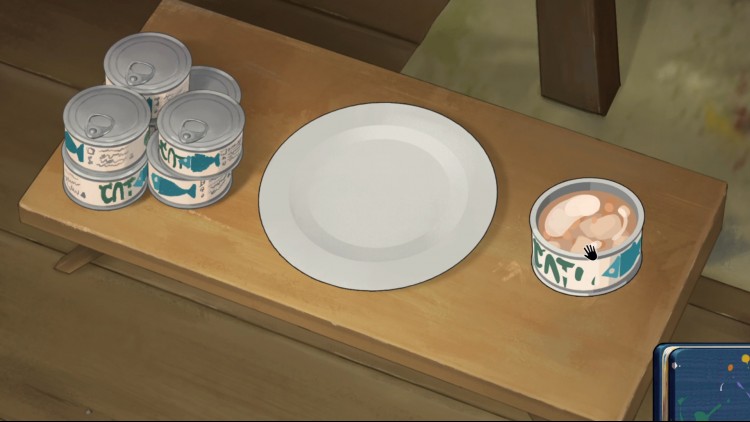
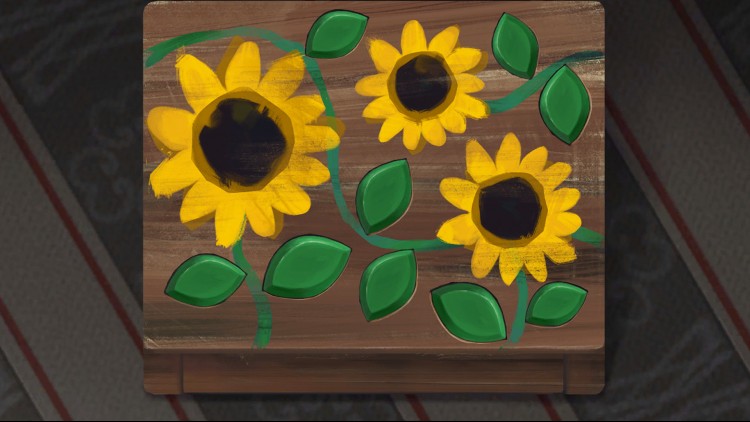
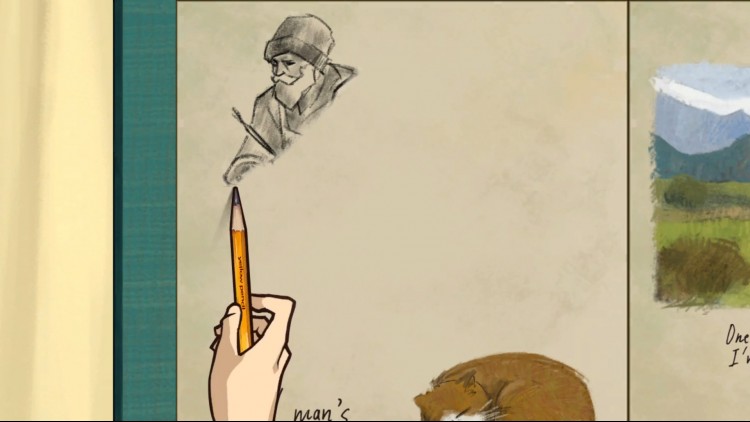
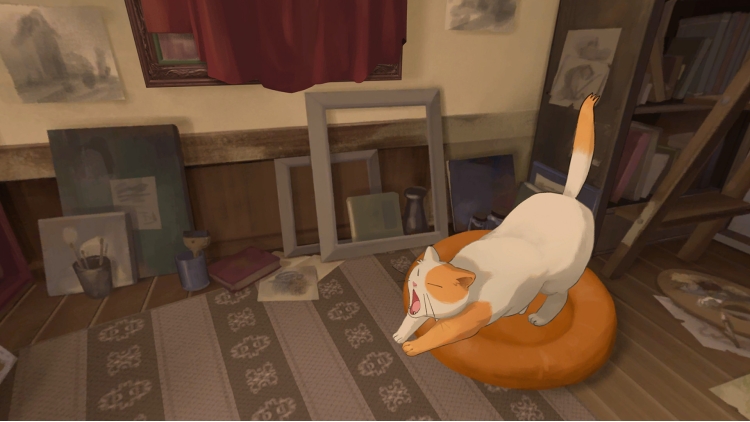
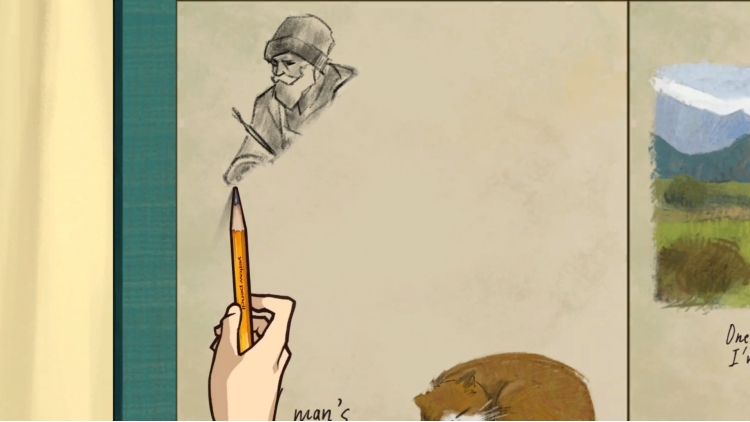
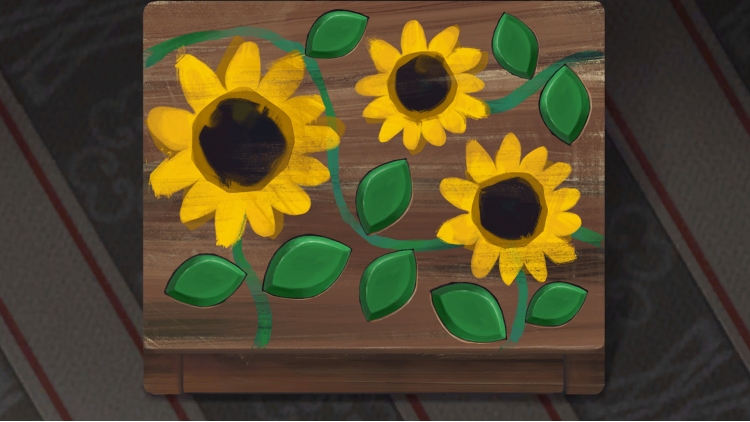
《倾听画语》就像是一本生动的小说、一部可互动的电影,讲述一位追逐梦想的画家,为了完成心目中的完美作品,不曾停下她的画笔。 你将扮演一名追逐梦想的画家,找寻那些使你的画作鲜活却已遗失的色彩。

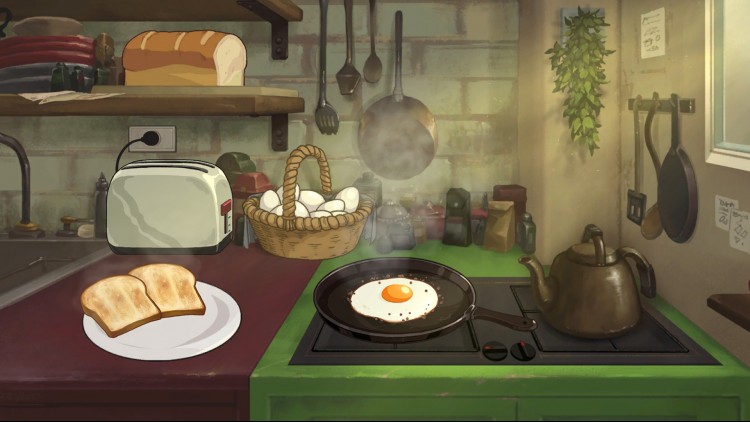
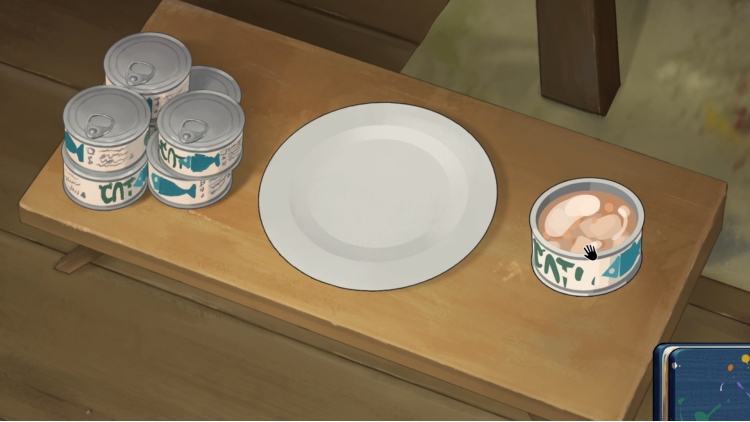
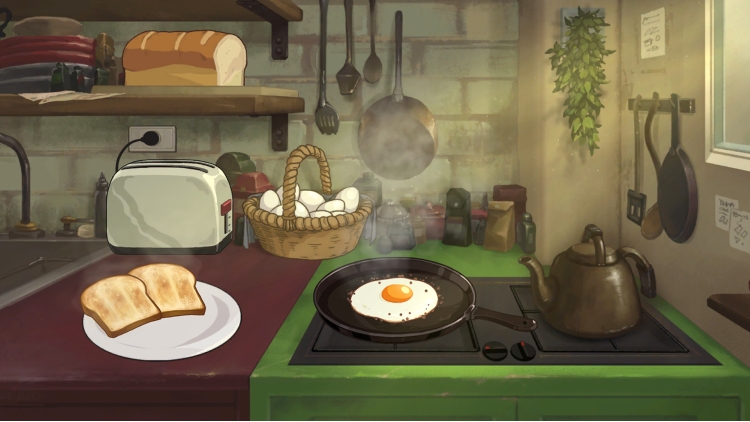
只有在偶尔休息片刻时,来杯咖啡和早餐让你提振精神继续创作。藉由创作的每一幅绘画作品,感受其中述说的故事。 透过点击与拖曳,你能以随心所欲的步调尽情享受轻鬆、扣人心弦的游戏体验。

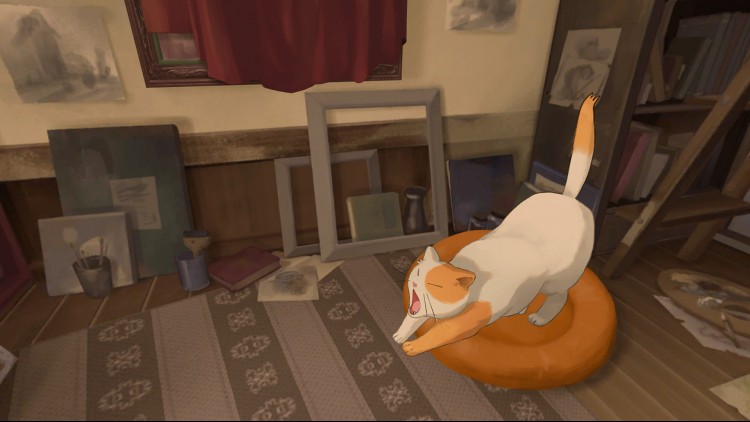
并在流畅悠扬的配乐下,沉浸于充满绚烂色彩与精緻逐格动画的全景世界。

© 2021 Silver Lining Studio All rights reserved. Powered by Akatsuki Taiwan Inc.

购买 Behind the Frame: The Finest Scenery PC Steam Game Code - 最优惠价格 | eTail

您可以通过官方零售商 Behind the Frame: The Finest Scenery 以最优惠的价格快速购买 cn.etail.market PC 游戏

© 2021 Silver Lining Studio All rights reserved. Powered by Akatsuki Taiwan Inc.

Behind the Frame: The Finest Scenery 最低系统要求:
OS: Windows 7, 64-bit
Processor: Intel Core i3
Memory: 4 GB RAM
Graphics: 1GB RAM, OpenGL 3.3
Storage: 2 GB available space

Behind the Frame: The Finest Scenery 推荐的系统要求 :
OS: Windows 10, 64-bit
Processor: Intel Core i7
Memory: 8 GB RAM
Graphics: 4GB RAM, OpenGL 4.5
Storage: 2 GB available space

在 Steam 上激活

从此处下载并在您的计算机上安装 Steam 客户端.

https://store.steampowered.com/?l=schinese

2)打开Steam客户端,注册并登录。 然后,找到顶部菜单上的“游戏”选项卡。 单击它并选择“在 Steam 上激活产品……”

 

3)输入显示在 eTail 订单页面上的代码。 市场并按照显示的步骤激活您的游戏。


4)现在可以监控游戏,您可以在 Steam 的“库”部分看到它。 您现在可以下载并安装游戏。

5)如果您需要更多信息和支持,可以单击此处:https://help.steampowered.com/en/wizard/HelpWithSteam

推荐的