Astral Ascent - The Outer Reaches
¥38.00
此产品无法在 United States 激活!
Add to Cart Button Icon 加入購物車

  • 平台 Steam Icon
  • 操作系统
    Windows Icon Linux Icon
  • 类型 Action , Adventure , Indie
  • 开发商 Hibernian Workshop
  • 鼻祖 Raccoon Business
  • 发布日 2025-04-30 12:00 AM
  • 支持的语言 English, French, Japanese, Korean, Russian, Spanish - Spain, Portuguese-Brazil, Traditional Chinese, Simplified Chinese
Astral Ascent - The Outer Reaches

狱主大人为了完成他自私的收藏,毁灭了无数的世界。碎裂平原,赤色荒漠,珊瑚群岛和深红高地。

你穿过这些世界前往狱主大人的所在,因为这是接触到他的最简单的方法,但还有许多其他世界,有其它可选择的前进之路, 即“狱外世界”.


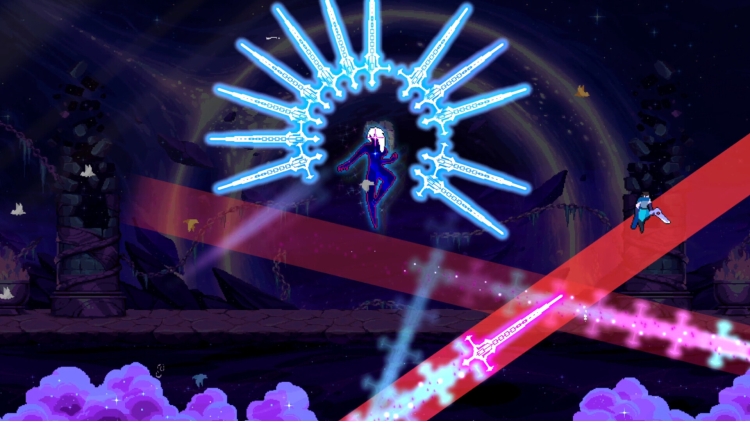
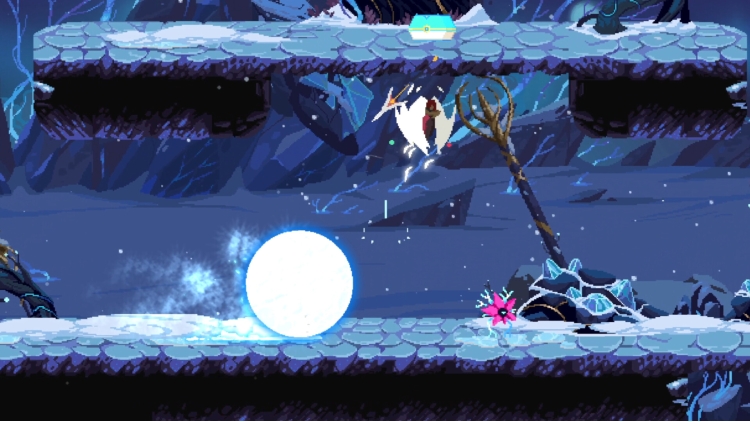
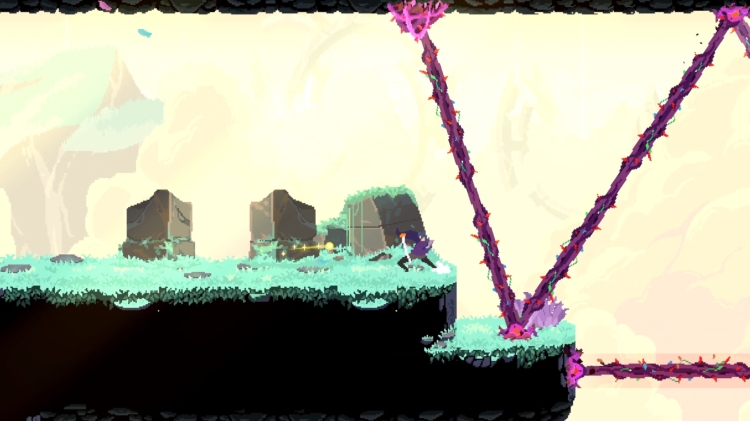
狱外世界是新的世界,那里布满了独特的野生生物和敌人,等待着你前去探索。


“狱外世界”DLC内容 -


  • 4个新世界可探索
  • 世界中的16个新陷阱/元素
  • 32个新敌人: 
  • 仙女座:
  • Boss战斗
  • 召唤
  • 结局 


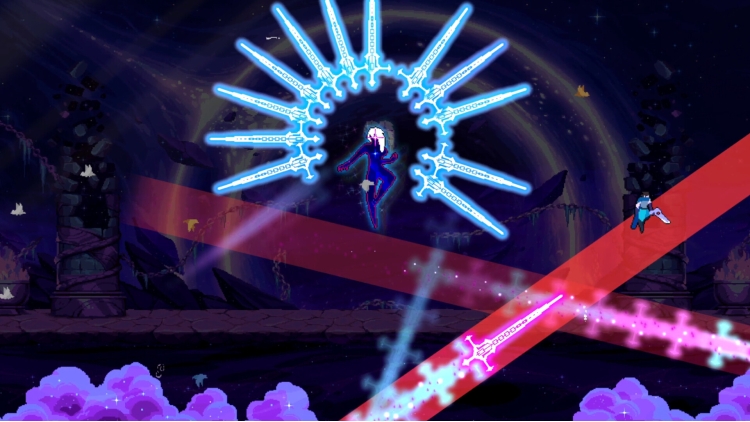
你也许知道,连星宫们都害怕仙女座 只因为她过于强大. 她可能会同意与你战斗,但不要害怕,她不会杀了你,但也不会手下留情。如果你成功击败她,她将作为 适配所有构建的召唤兽 与你一同前行,你还可能解锁她的结局!


同时发布重大免费更新 -


  • 在与法术相关的跑关过程中可以找到新货币
  • 跑关过程中可以找到 2 个新房间:


购买 Astral Ascent - The Outer Reaches PC Steam Game Code - 最优惠价格 | eTail

您可以通过官方零售商 Astral Ascent - The Outer Reaches 以最优惠的价格快速购买 cn.etail.market PC 游戏

Astral Ascent - The Outer Reaches 最低系统要求:
--Windows--
Requires a 64-bit processor and operating system
OS: Windows 7 64-bit
Processor: Intel Core i3-540 or AMD Phenom II X4 965
Memory: 2 GB RAM
Graphics: GeForce GTS 250 or Radeon HD 5770
Storage: 1 GB available space

--macOS--
OS: Mavericks 10.9 or later
Memory: 2 GB RAM
Graphics: OpenGL 3.2+
Storage: 1 GB available space

--Linux--
Memory: 2 GB RAM
Graphics: Nvidia 450 GTS / Radeon HD 5750 or better
Storage: 1 GB available space

Astral Ascent - The Outer Reaches 推荐的系统要求 :

在 Steam 上激活

从此处下载并在您的计算机上安装 Steam 客户端.

https://store.steampowered.com/?l=schinese

2)打开Steam客户端,注册并登录。 然后,找到顶部菜单上的“游戏”选项卡。 单击它并选择“在 Steam 上激活产品……”

 

3)输入显示在 eTail 订单页面上的代码。 市场并按照显示的步骤激活您的游戏。


4)现在可以监控游戏,您可以在 Steam 的“库”部分看到它。 您现在可以下载并安装游戏。

5)如果您需要更多信息和支持,可以单击此处:https://help.steampowered.com/en/wizard/HelpWithSteam

推荐的