

NASCAR Heat Evolution
¥66.64


 缺货
缺货
 加入購物車
加入購物車

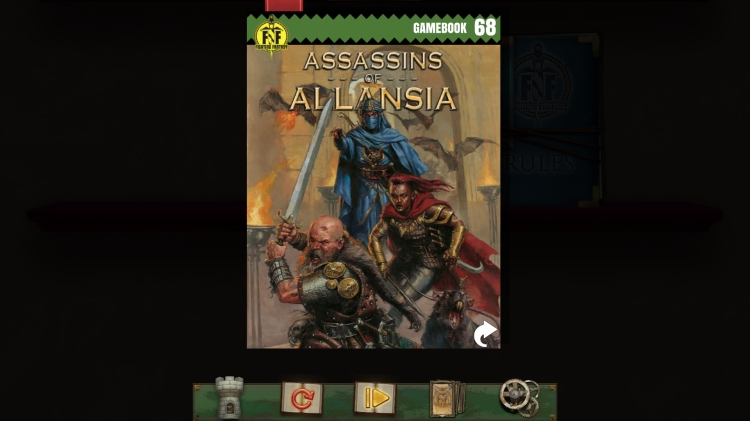
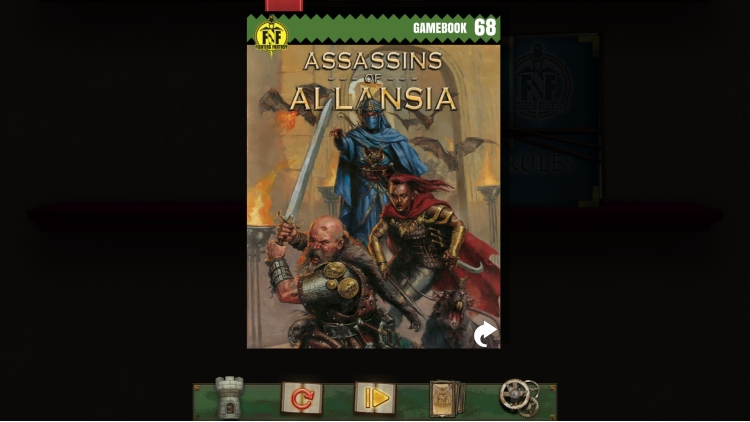
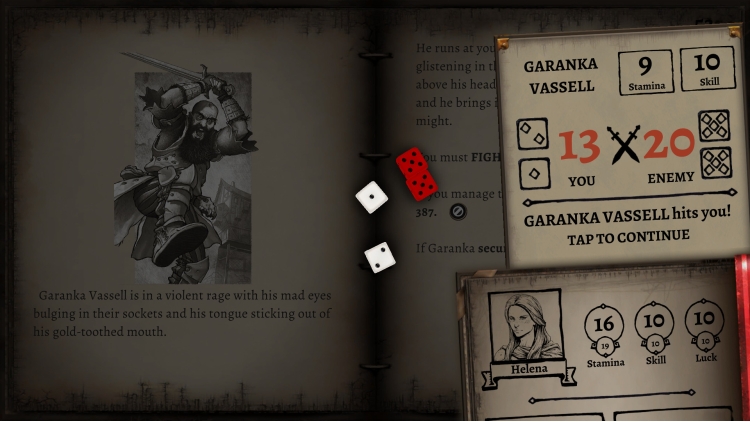

你够胆在阿兰西亚最危险、最致命的刺客的袭击中幸存下来吗?
接受挑战在蛇岛上生存后,一场噩梦降临——有人悬赏要你的命。小心那些一心想要追杀你的冷酷刺客——他们是谁?他们在哪里?不要相信任何人……
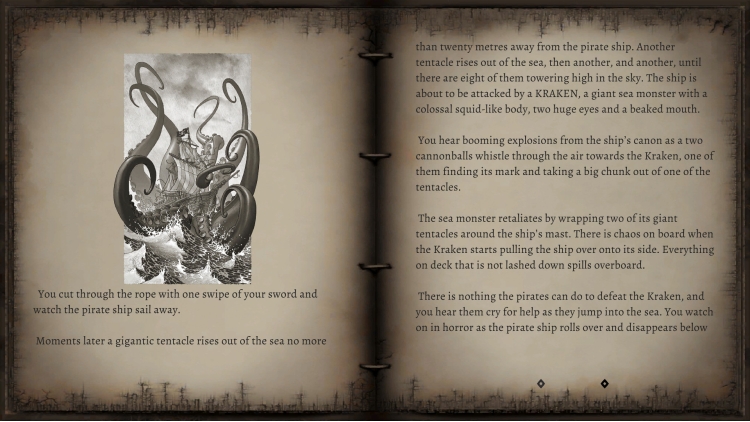
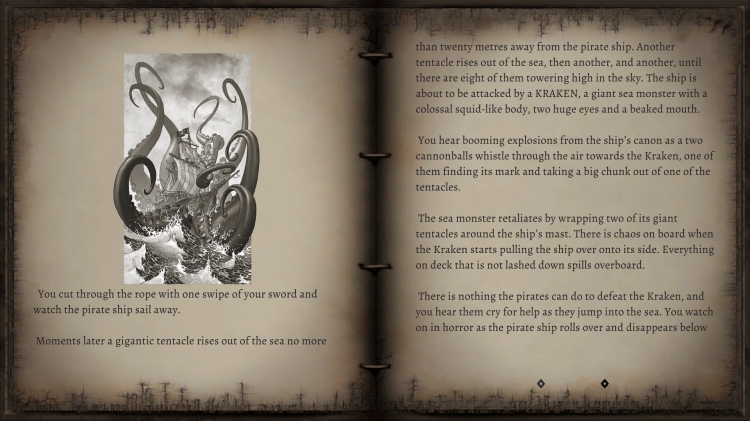
与图书馆里一些80、90年代的游戏书不同,《阿兰西亚刺客》相对较新,于2019年首次出版。该游戏书由伊恩·利文斯通撰写,限量精装版在伦敦举办的第三届“战斗幻想节”(Fighting Fantasy Fest 3)粉丝活动上发布,并迅速成为热门之选。这个全新的数字版本采用了卡尔·科平斯基为限量精装版绘制的封面,以及克里斯蒂安·巴拉绘制的内页插图,这些插图最初出现在由Chameleon Comix出版的匈牙利语版本中!
特色
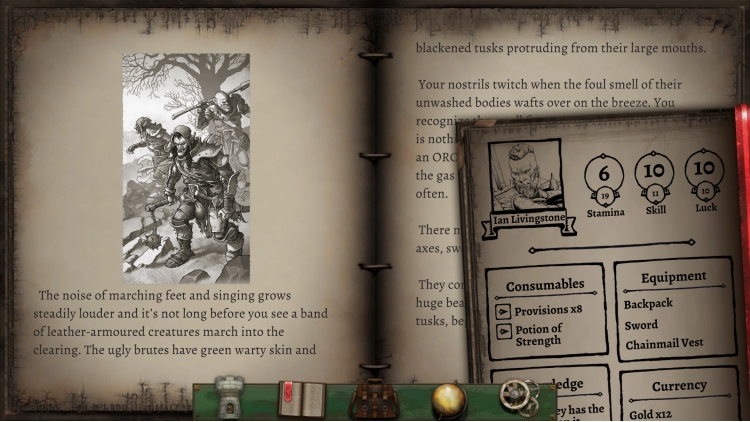
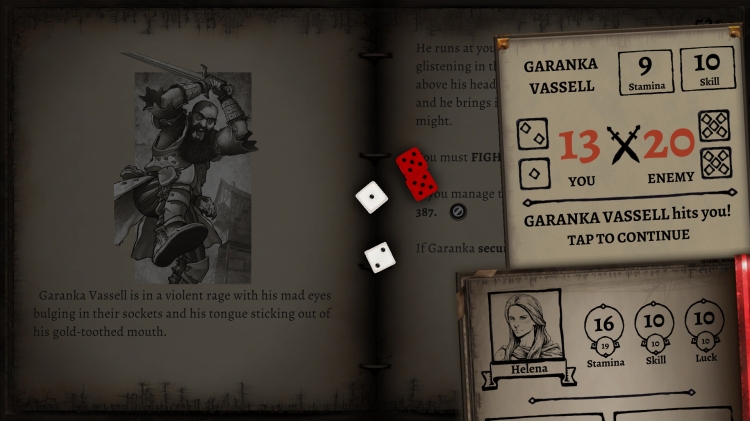
- 您可以根据自己的喜好调整游戏书的难度,甚至可以开启特殊的“自由阅读”模式,像老派作弊者一样畅玩!
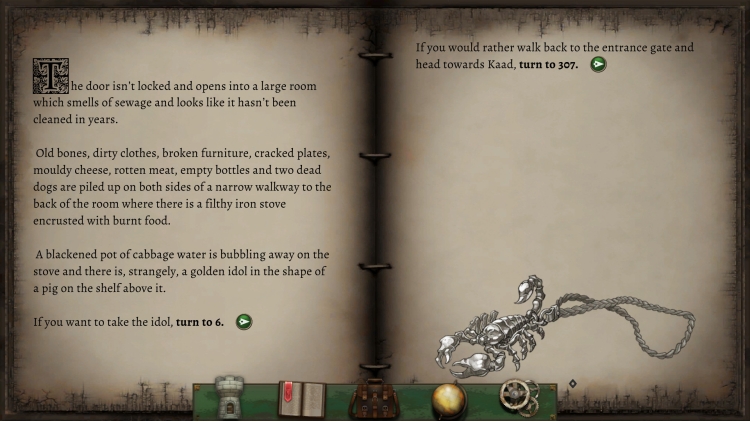
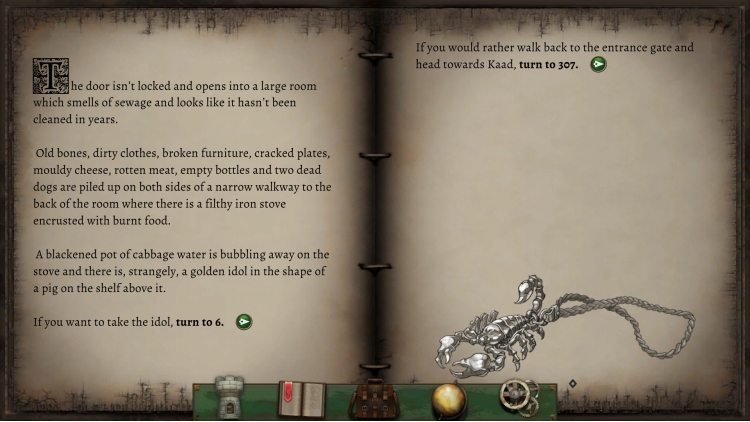
- 地图功能让您轻松追踪当前和之前游戏过程中探索过的所有地点。
- 无限书签功能让您可以反复重温难点章节。
- 由 Karl Kopinski 和 Krisztián Balla 授权绘制的精美插画。
- 自动生成冒险记录表,记录您的属性、物品和旅途中获得的知识。
© Tin Man Games Pty Ltd, 2022
Fighting Fantasy 是 Steve Jackson 和 Ian Livingstone 的注册商标,版权所有。
Assassins of Allansia, © Ian Livingstone, 2019
您可以通过官方零售商 Assassins of Allansia (Fighting Fantasy Classics) 以最优惠的价格快速购买 cn.etail.market PC 游戏
© Tin Man Games Pty Ltd, 2022Fighting Fantasy is a trademark owned by Steve Jackson and Ian Livingstone, all rights reserved.Assassins of Allansia, © Ian Livingstone, 2019
在 Steam 上激活
从此处下载并在您的计算机上安装 Steam 客户端.
https://store.steampowered.com/?l=schinese
2)打开Steam客户端,注册并登录。 然后,找到顶部菜单上的“游戏”选项卡。 单击它并选择“在 Steam 上激活产品……”

3)输入显示在 eTail 订单页面上的代码。 市场并按照显示的步骤激活您的游戏。

4)现在可以监控游戏,您可以在 Steam 的“库”部分看到它。 您现在可以下载并安装游戏。
5)如果您需要更多信息和支持,可以单击此处:https://help.steampowered.com/en/wizard/HelpWithSteam
 缺货
缺货
 缺货
缺货
 65%
加入購物車
65%
加入購物車
 加入購物車
加入購物車
 加入購物車
加入購物車
 加入購物車
加入購物車
 缺货
缺货
 15%
缺货
15%
缺货
 缺货
缺货
 缺货
缺货
