Appointment With FEAR
¥34.47 ¥8.62 75%
不要错过折扣机会!
  • 小时
  • 分钟
  • 此产品可在 United States 激活。
    Add to Cart Button Icon 加入購物車

    Appointment With FEAR
    Appointment With FEAR
    Appointment With FEAR
    Appointment With FEAR
    Appointment With FEAR
    Appointment With FEAR
    Appointment With FEAR
    Appointment With FEAR

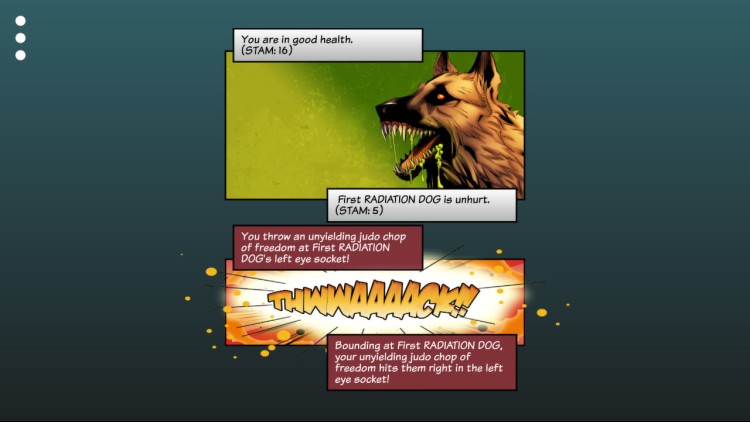
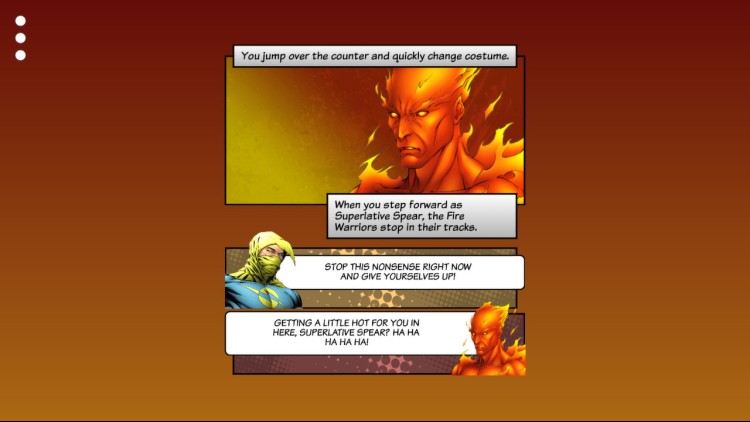
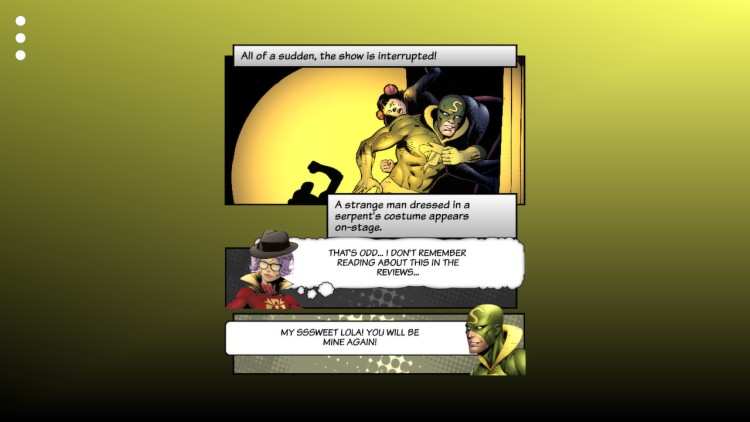
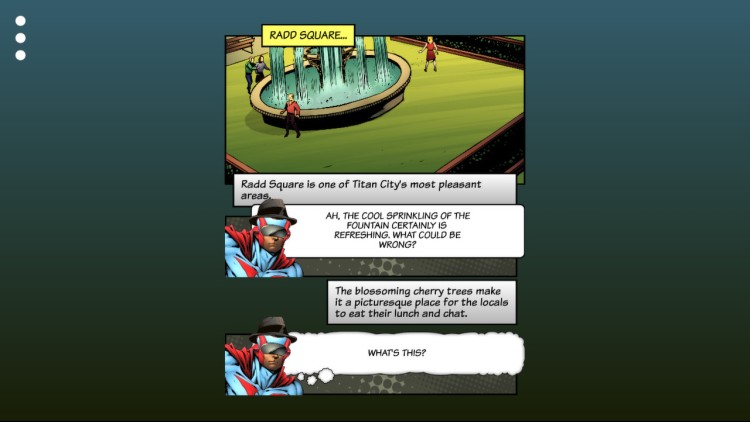
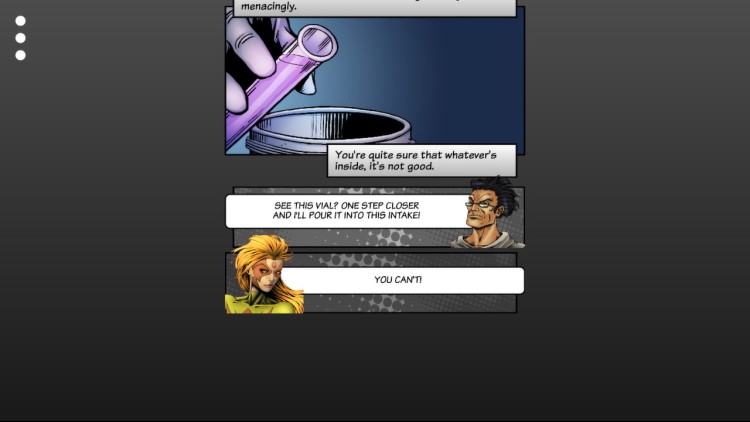
    作为泰坦城勇敢廉洁的法律和秩序捍卫者,用你的超能力保护无辜的公民免受一群一心想要接管世界的超级恶棍的危险和狡猾!

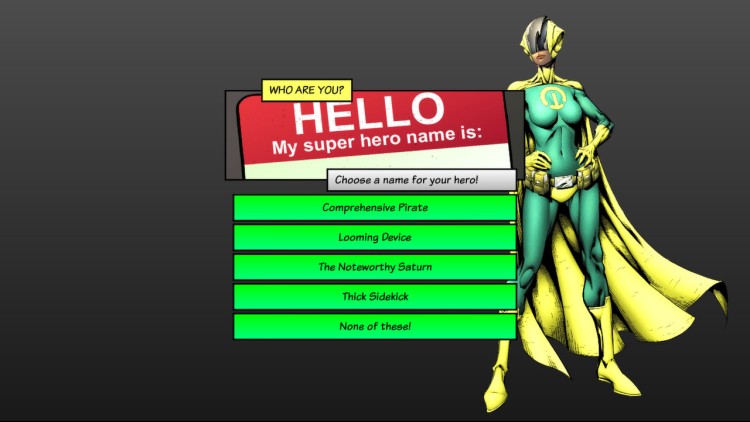
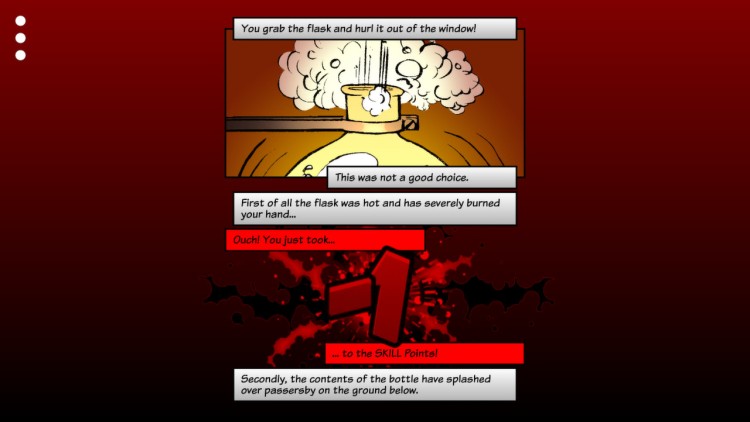
    在 Steve Jackson's Appointment With FEAR 的全新版本中,以超能力的正义捍卫者身份回到 1980 年代! 这个动态版本被风格化为互动图画小说。 您的选择将引导您走向新的反派、超级困境,并最终成为钛合金机器人本人!

    你的任务是找出绝密的 FEAR 会议的地点,抓住钛合金机器人和他的同伙并将他们绳之以法。

    购买 Appointment With FEAR Steam Game Code - 最优惠价格 | eTail

    您可以通过官方零售商 Appointment With FEAR 以最优惠的价格快速购买 cn.etail.market PC 游戏

    © Tin Man Games Pty Ltd, 2014Fighting Fantasy is a trademark owned by Steve Jackson and Ian Livingstone, all rights reserved.

    Appointment With FEAR 最低系统要求:
    Windows:
    OS: Windows XP SP3
    Processor: 2 GHz dual core
    Memory: 2 GB RAM
    Graphics: Hardware Accelerated Graphics with dedicated memory
    Storage: 350 MB available space

    macOS:
    OS: Mac OS 10.7.5+
    Processor: 2 GHz dual core
    Memory: 2 GB RAM
    Graphics: Hardware Accelerated Graphics with dedicated memory
    Storage: 350 MB available space

    SteamOS + Linux:
    Processor: 2 GHz dual core
    Memory: 2 GB RAM
    Graphics: Hardware Accelerated Graphics with dedicated memory
    Storage: 350 MB available space

    Appointment With FEAR 推荐的系统要求 :
    Windows:
    OS: Windows 7/8
    Memory: 4 GB RAM
    Graphics: Hardware Accelerated Graphics with 1GB memory
    Storage: 350 MB available space

    macOS:
    OS: Mac OS 10.8
    Memory: 4 GB RAM
    Graphics: Hardware Accelerated Graphics with 1GB memory
    Storage: 350 MB available space

    SteamOS + Linux:
    Memory: 4 GB RAM
    Graphics: Hardware Accelerated Graphics with 1GB memory
    Storage: 350 MB available space

    在 Steam 上激活

    从此处下载并在您的计算机上安装 Steam 客户端.

    https://store.steampowered.com/?l=schinese

    2)打开Steam客户端,注册并登录。 然后,找到顶部菜单上的“游戏”选项卡。 单击它并选择“在 Steam 上激活产品……”

     

    3)输入显示在 eTail 订单页面上的代码。 市场并按照显示的步骤激活您的游戏。


    4)现在可以监控游戏,您可以在 Steam 的“库”部分看到它。 您现在可以下载并安装游戏。

    5)如果您需要更多信息和支持,可以单击此处:https://help.steampowered.com/en/wizard/HelpWithSteam

    推荐的